Made with DMarlon Studio
Demos
Real apps made with DMarlon Studio: thirteen desktop apps for macOS and Windows, three mobile apps and three websites you can try right here. They were all designed by dragging components and come as examples in the studio: open them there and change them.
From design to an app
The window you draw in the Designer is the app you download here: nothing has to be rewritten to ship it.
What a real app needs
Files, network, SQLite databases, background work, charts and pip packages. Each demo shows something different.
Code that is yours
Plain, readable Python, with one method per event. You can read it, extend it and take it anywhere.
Desktop
Thirteen apps for macOS and Windows. Download them, open them and use them: nothing else to install.
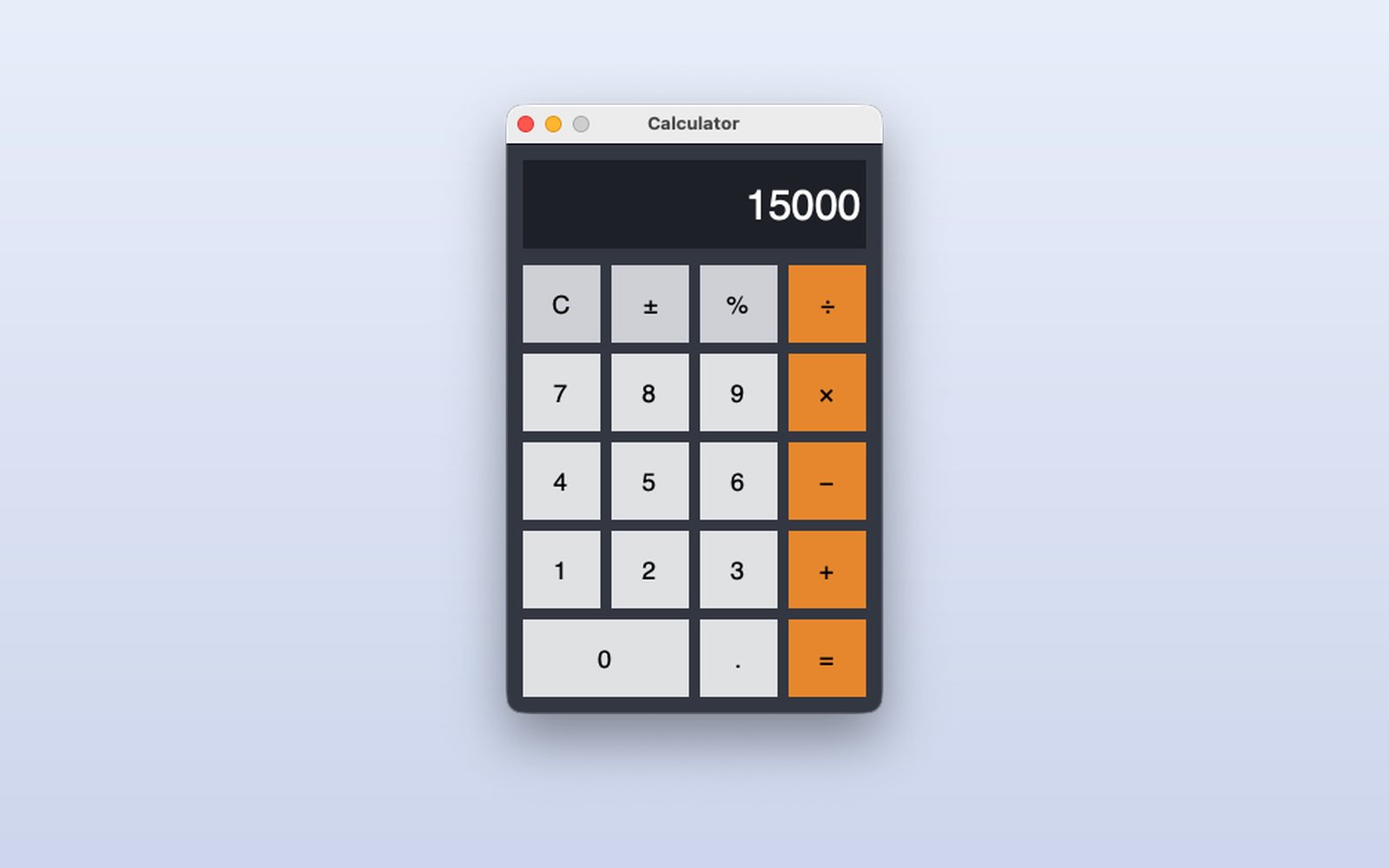 Python · tkinter
Calculator
The four operations, percentage and sign change, with the mouse or the keyboard.
What it shows
- A window designed by dragging buttons
- One event per button and the state in the class
- Keyboard shortcuts
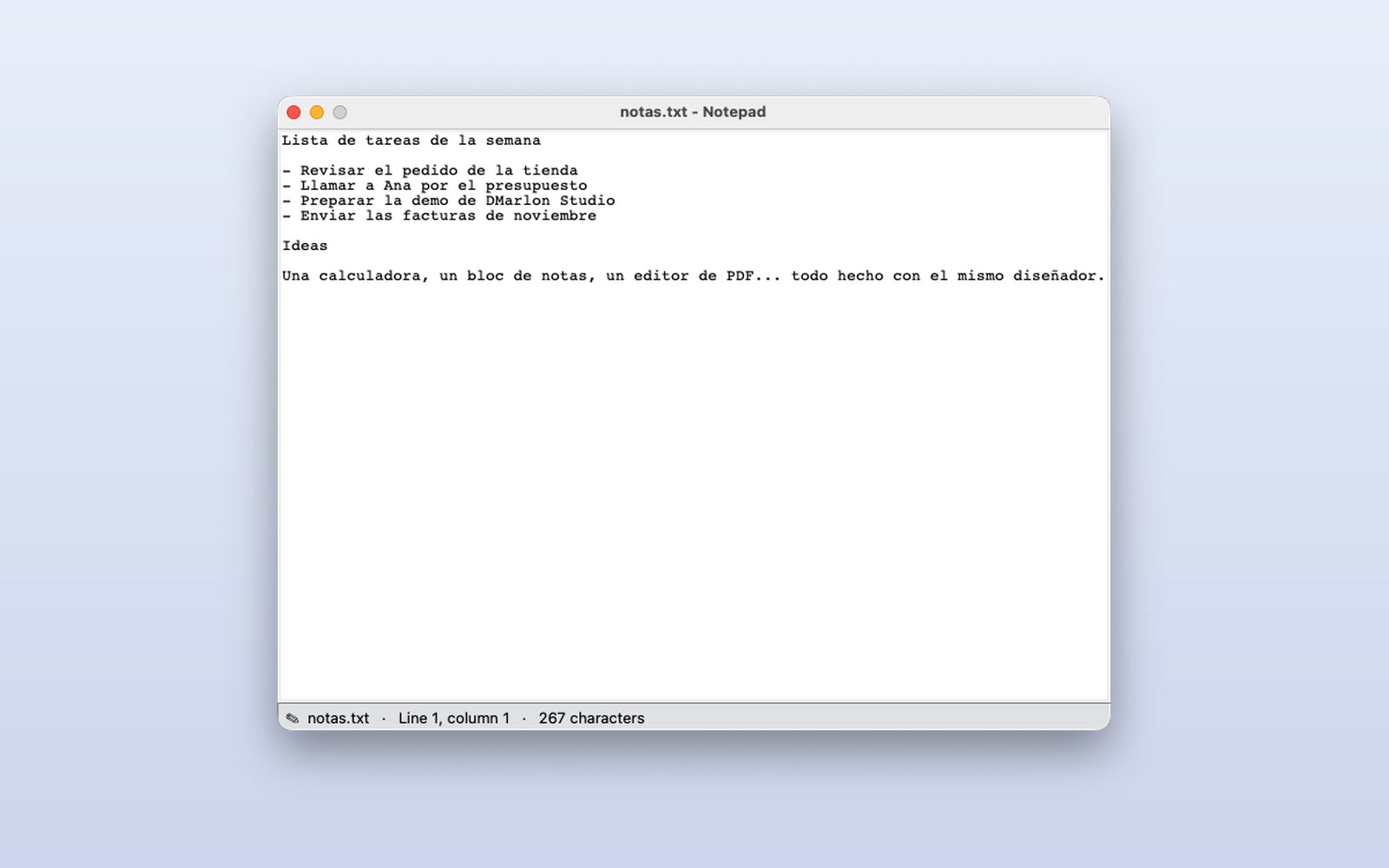 Python · tkinter
Notepad
Open, edit and save texts, with the line and column in the status bar.
What it shows
- Classic menus and shortcuts
- The system's open and save dialogs
- Warning before losing changes
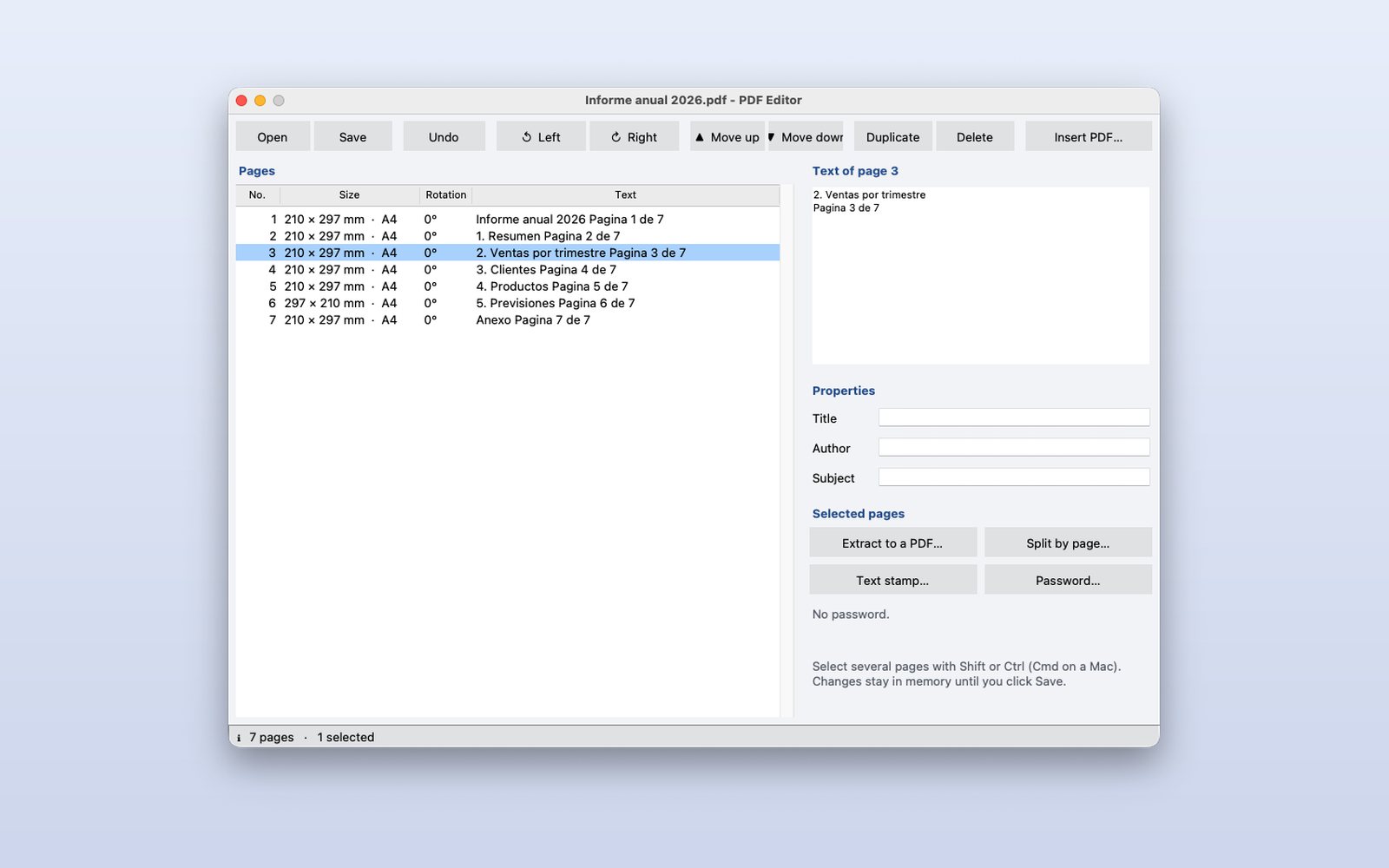 Python · tkinter
PDF editor
Rotate, delete, reorder and merge pages; extract, split, edit the document details and protect it with a password.
What it shows
- pip packages (pypdf) inside the app
- Toolbar and page list
- Undo and save as
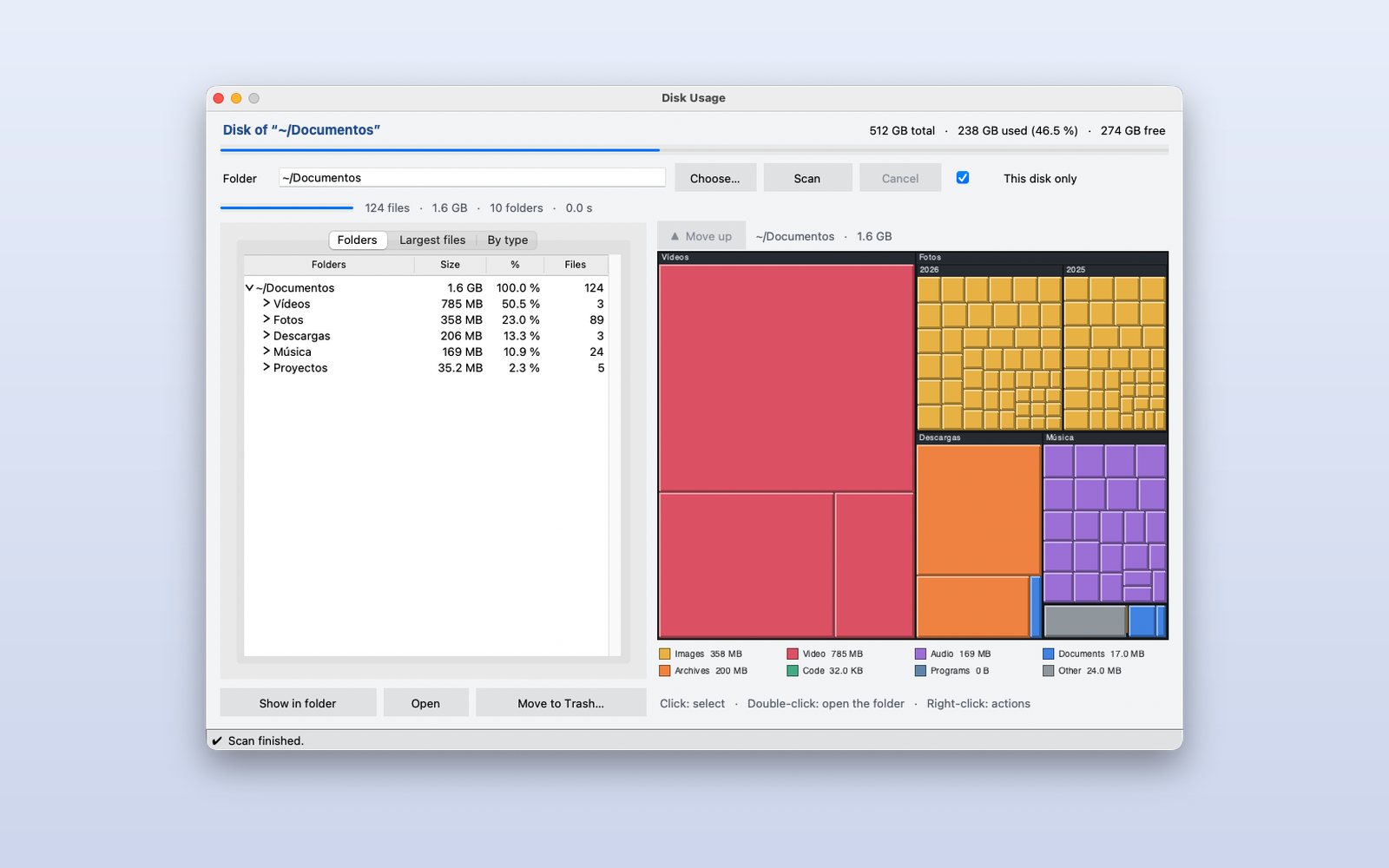 Python · tkinter
Disk space
A map of the disk with what each folder and file takes up, by type; see where it is or move it to the Trash.
What it shows
- A custom chart drawn on a canvas
- Background work without freezing the window
- Opening Finder or Explorer and using the Trash
 Python · tkinter
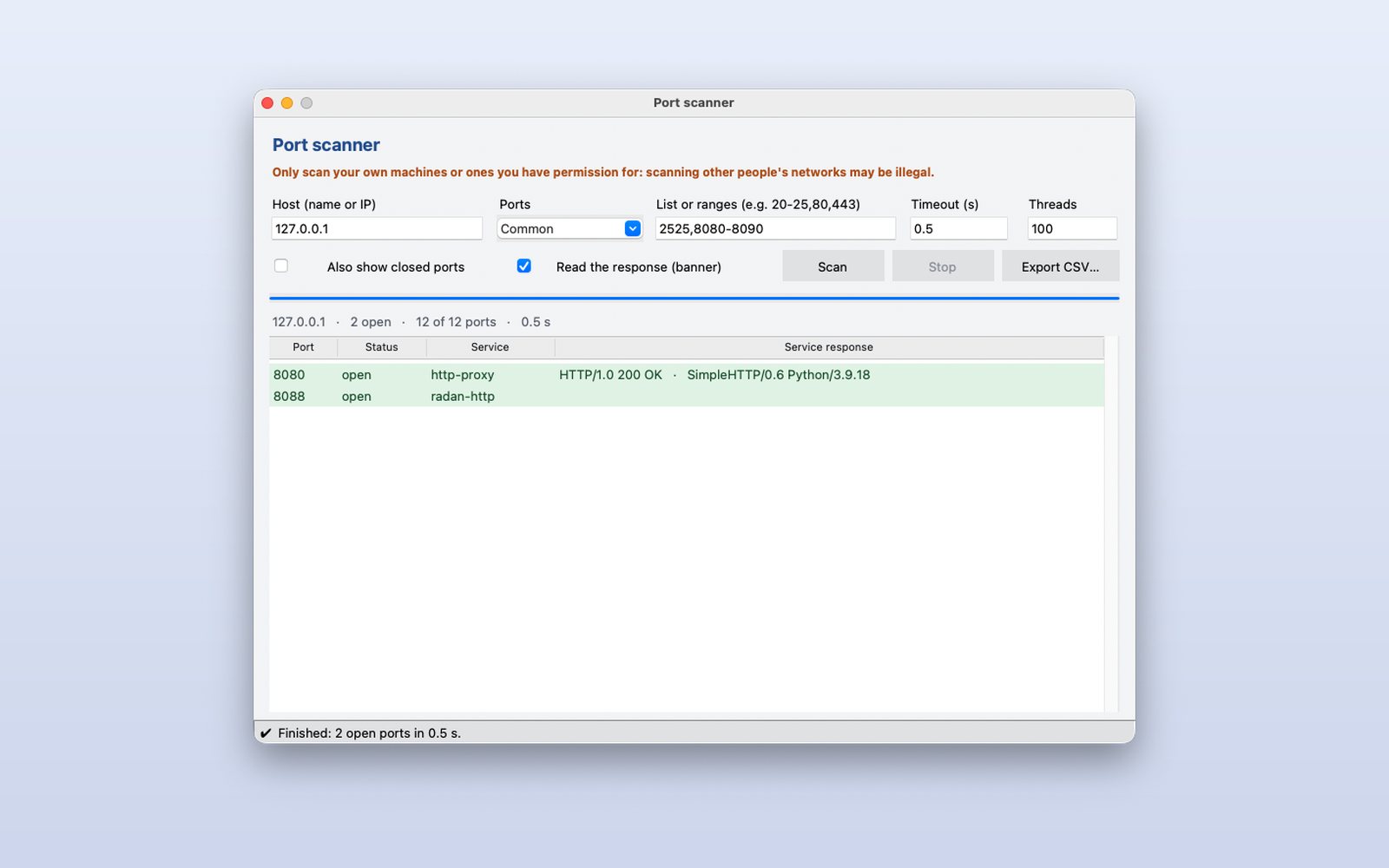
Port scanner
Which TCP ports are open on a computer, with the service of each one and CSV export.
What it shows
- Networking with sockets
- Many parallel connections with progress
- Validating what the user types
 Python · tkinter
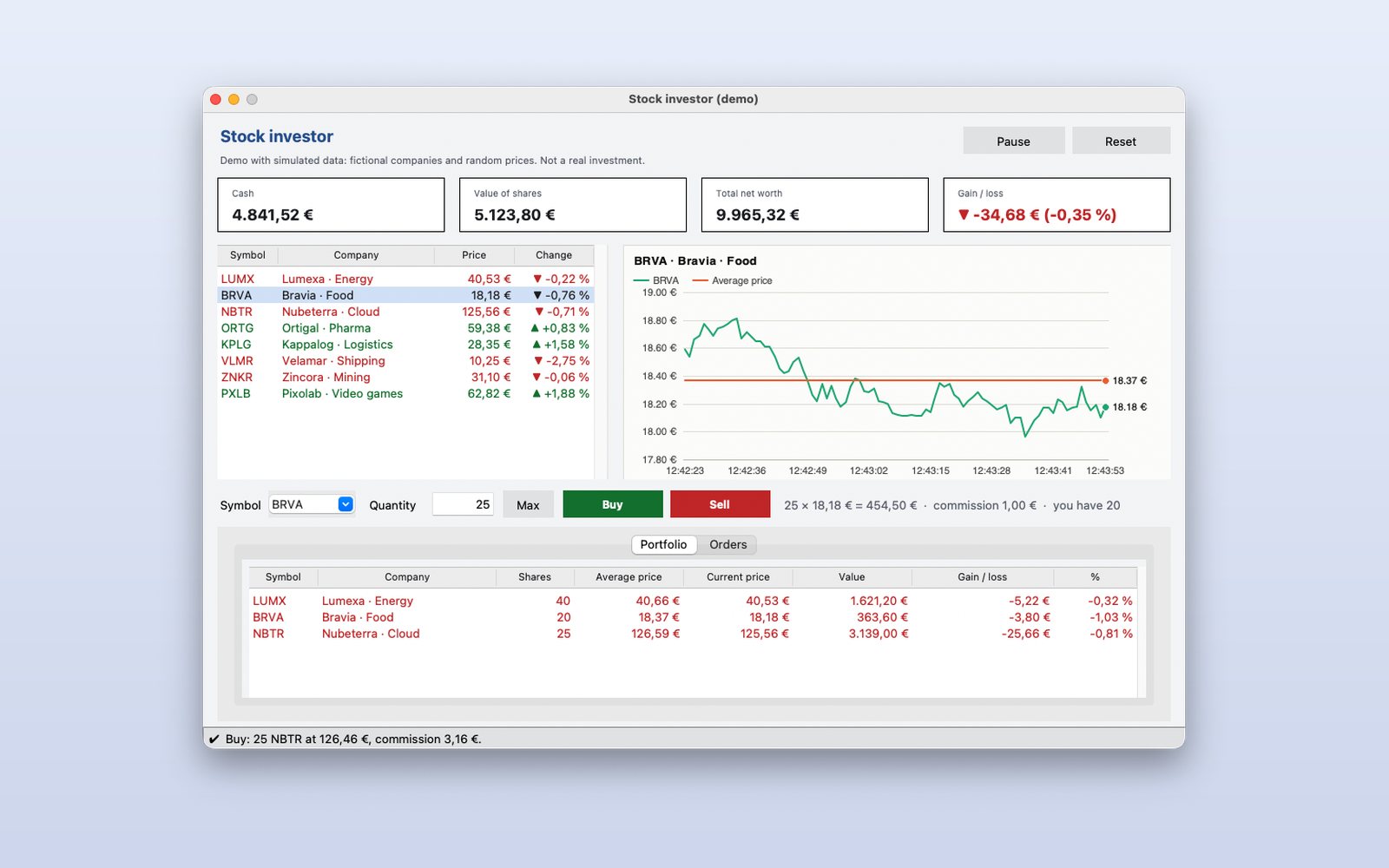
Stock investor (demo)
Buy and sell shares of fictional companies with live simulated prices and watch your portfolio win or lose.
What it shows
- Live data with a timer
- Price chart
- The portfolio saved between sessions
 Python · tkinter
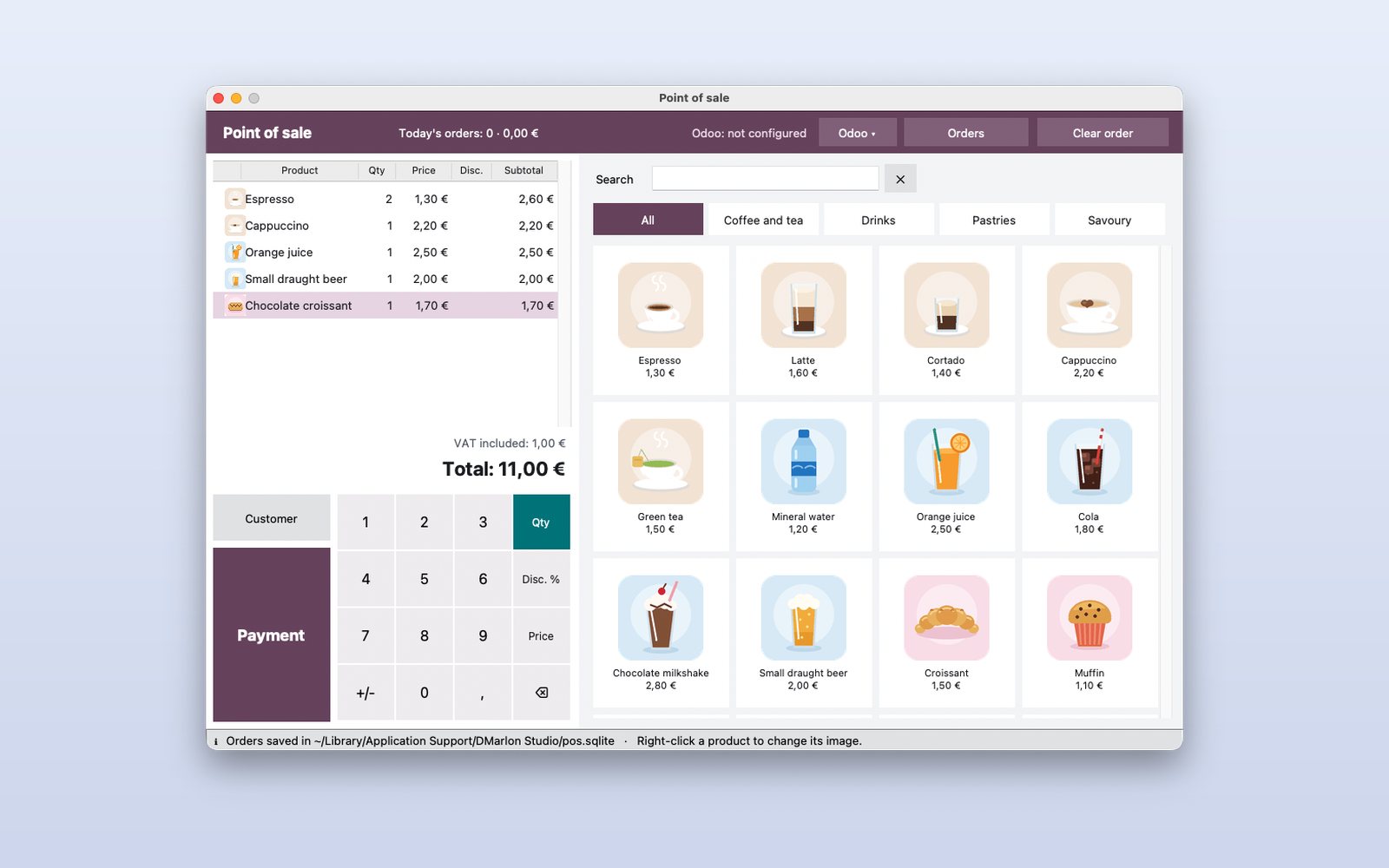
Point of sale
A POS in the style of Odoo's, with product pictures. Connect it to your Odoo with URL, user and password: it downloads the products and their prices and sends the orders to Sales.
What it shows
- Connecting to Odoo and working offline
- Sales and pictures saved in SQLite
- Payment with change, receipt and daily summary
 Python · tkinter
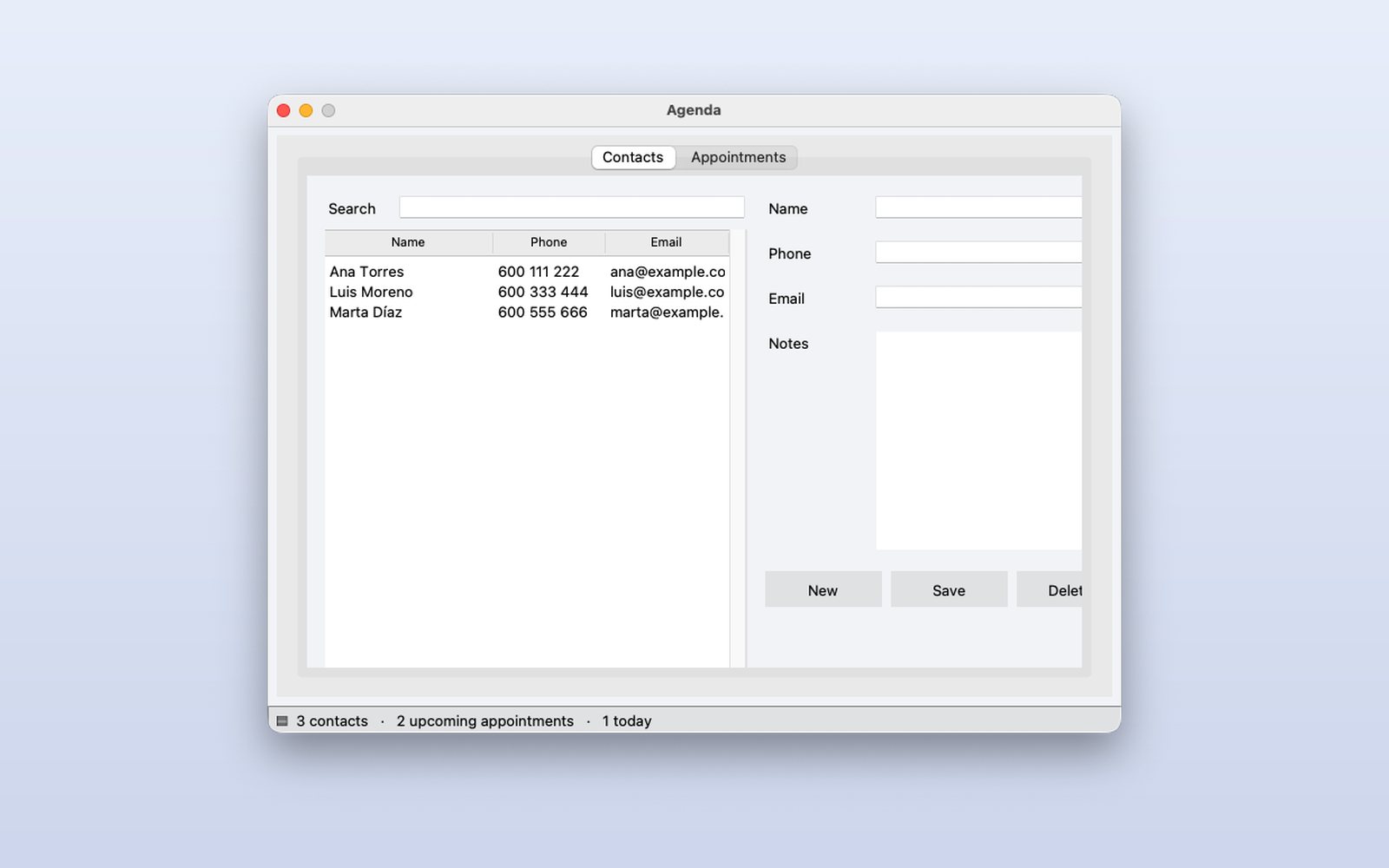
Agenda
Contacts and appointments in tabs, with search, saved in a database.
What it shows
- SQLite with nothing to install
- Tabs, tables and search
- Forms to add and edit
 Python · tkinter
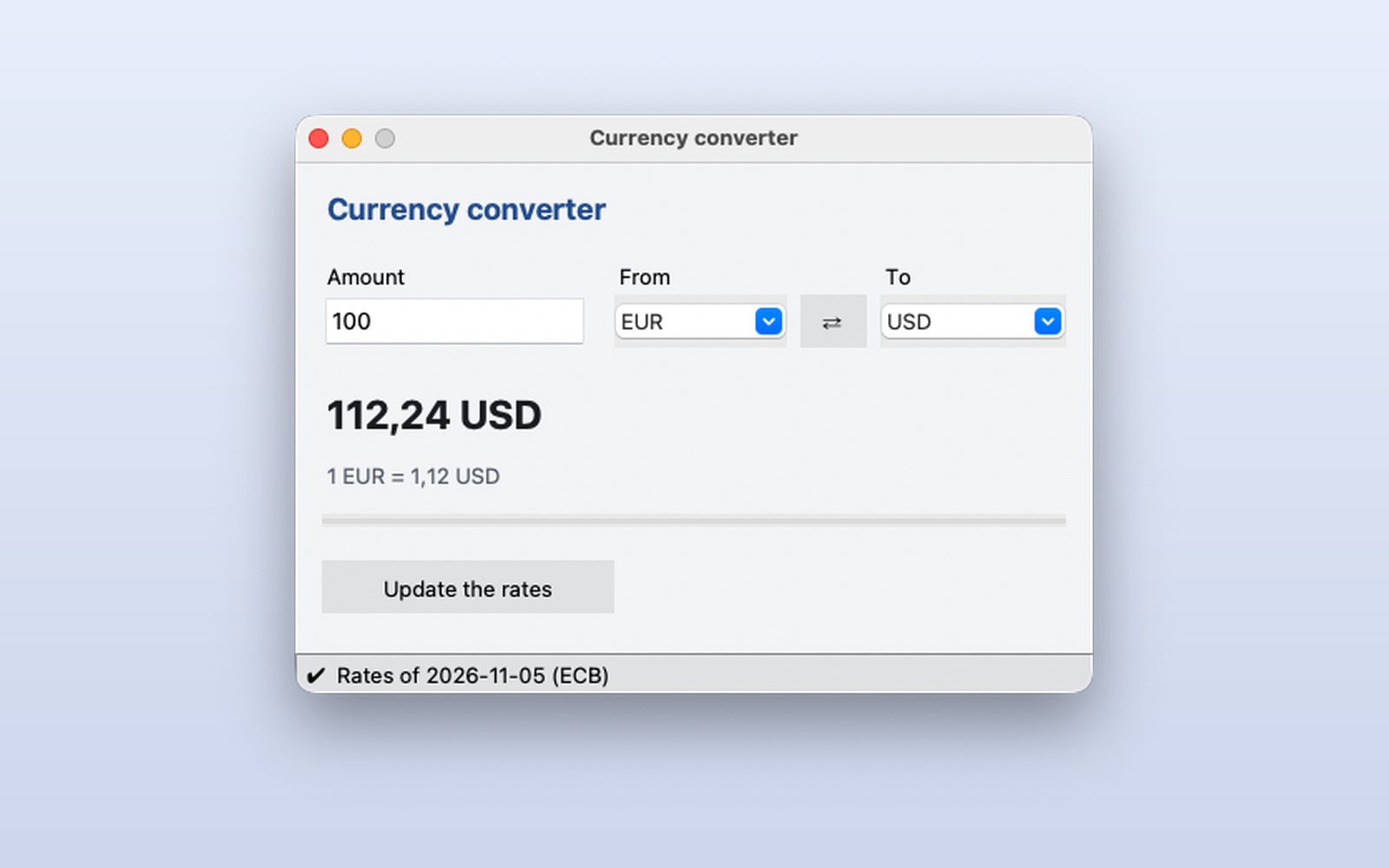
Currency converter
Convert between currencies with the real exchange rates of the European Central Bank.
What it shows
- Calling an Internet API
- Answers without freezing the window
- Works offline with the latest data
 Python · tkinter
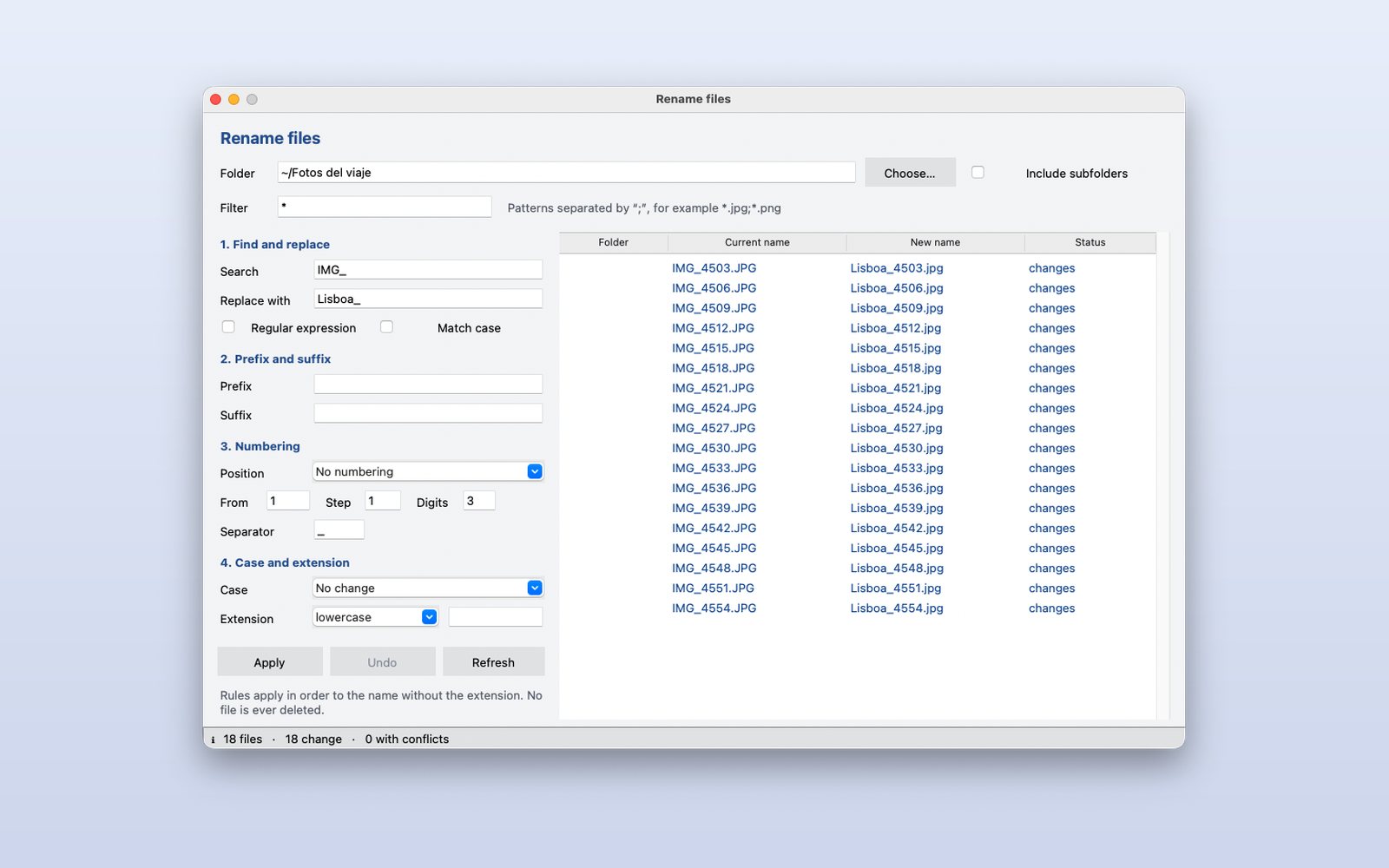
File renamer
Rename many files at once with rules, seeing the result before applying it.
What it shows
- Regular expressions and numbering
- Live preview with conflicts marked
- Undo the last change
 Python · tkinter
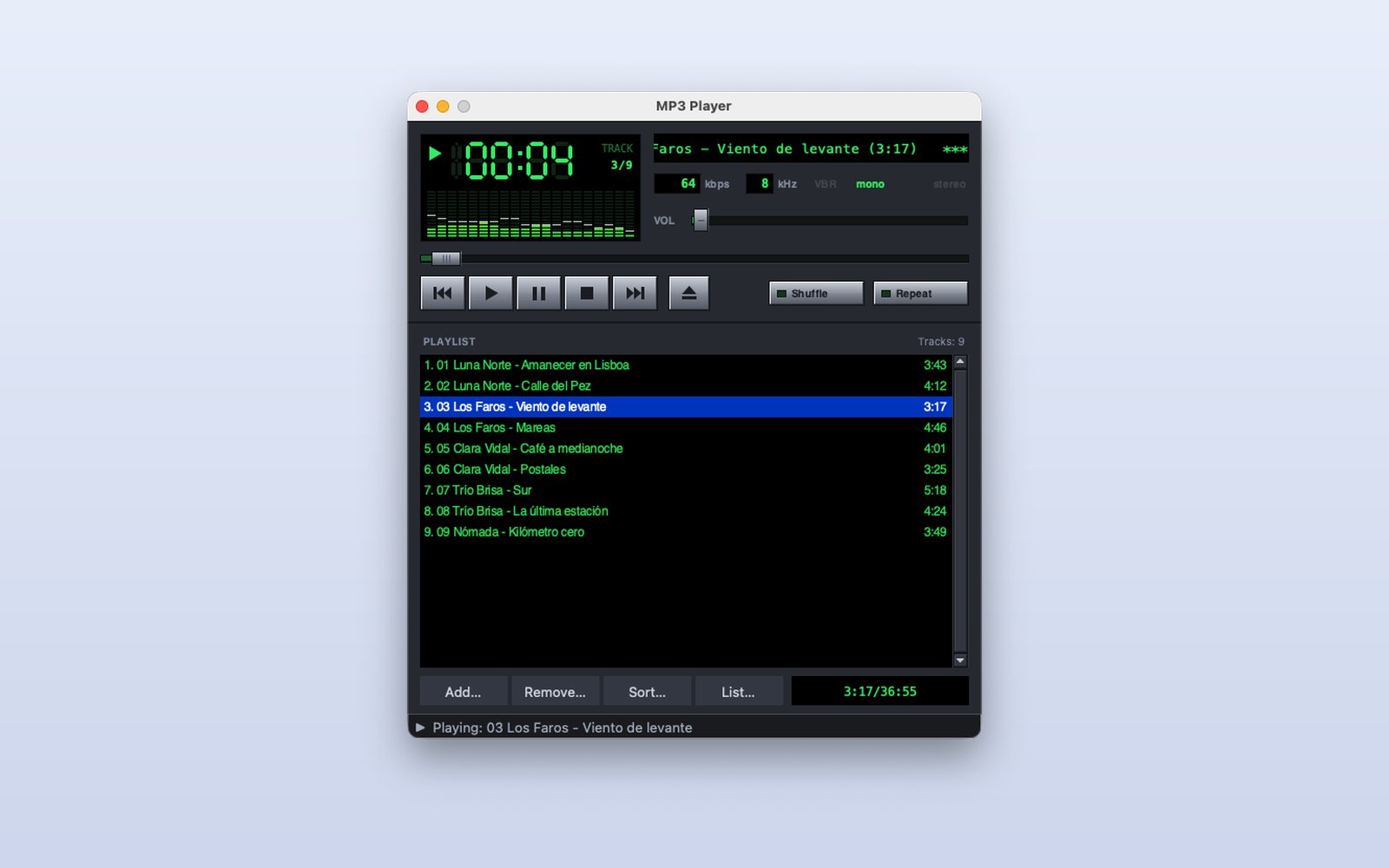
MP3 player
A player in the style of the classics: digital clock, spectrum analyzer, playlist and M3U lists. On macOS, for Apple Silicon.
What it shows
- A custom interface drawn on canvases
- Reading ID3 tags and MP3 headers
- A pip package (pygame) for sound
 Python · tkinter
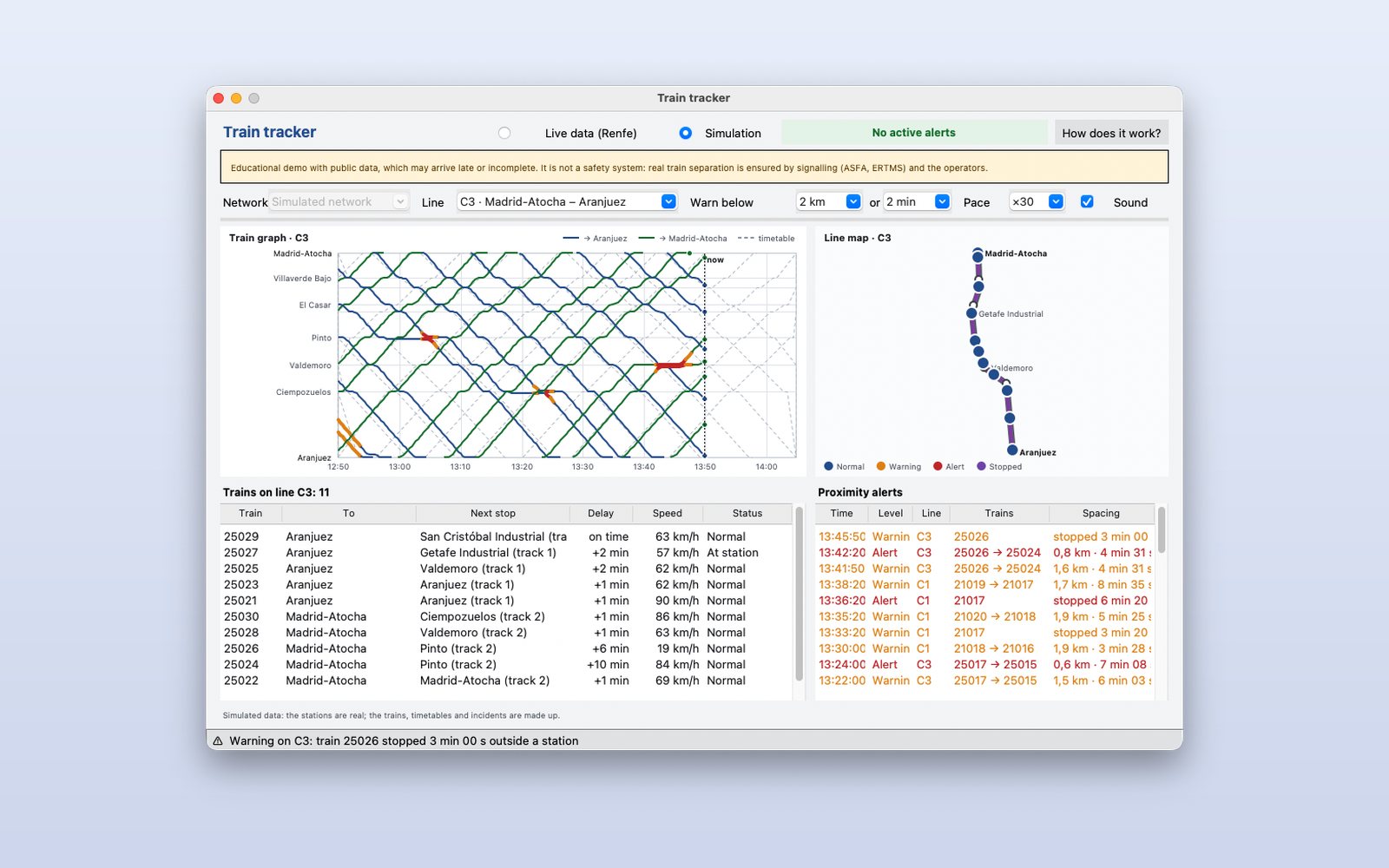
Train tracking
Spain's commuter trains live with Renfe's open data: it warns when two trains on the same line get close and draws the train graph. An educational demo: not a safety system.
What it shows
- Live public data (GTFS and GTFS-Realtime)
- Custom charts: train graph and map
- A simulation when there is no connection
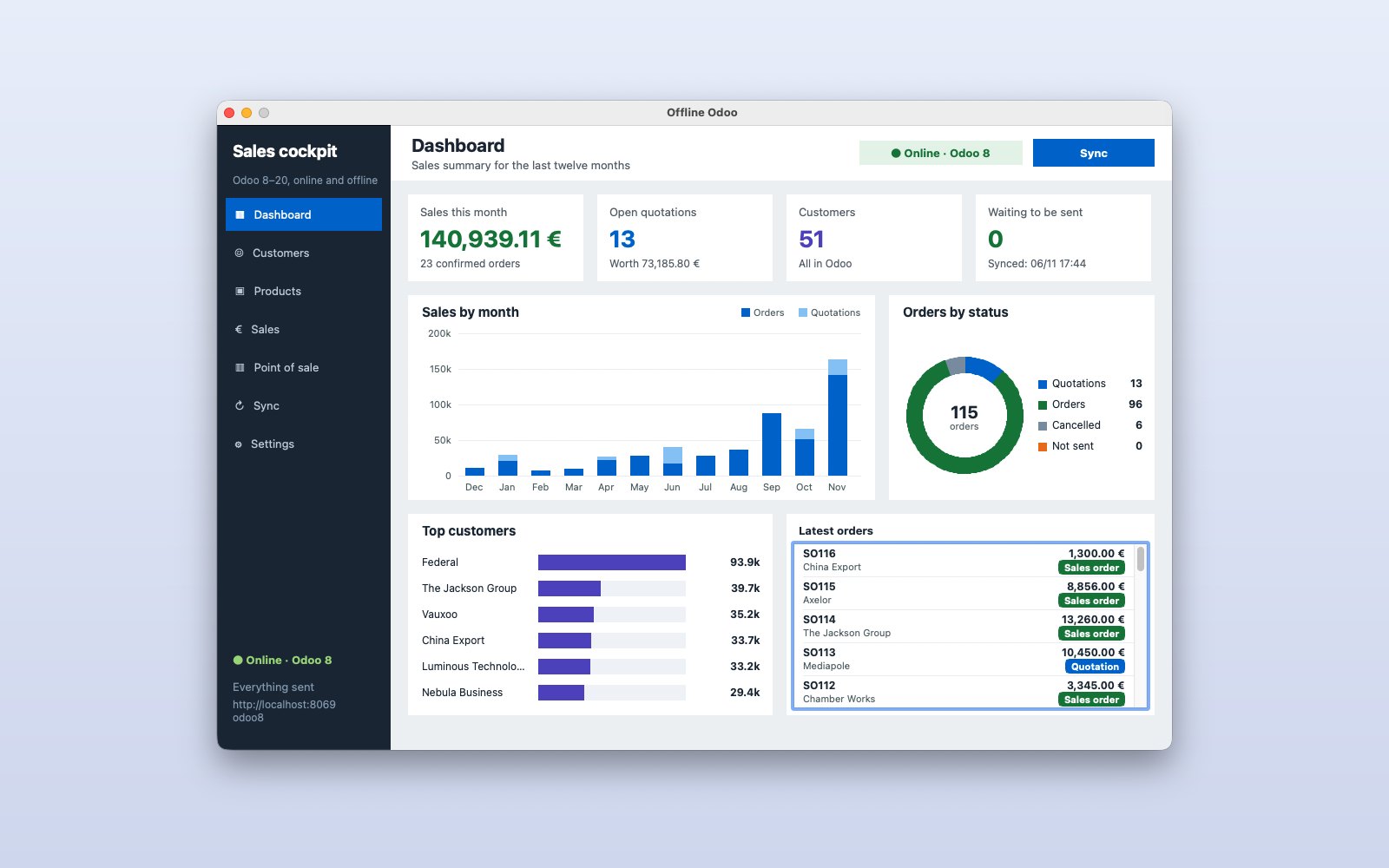 Pascal · Lazarus
Offline Odoo (Pascal)
A native sales cockpit for Odoo 8 to 20: customers, products and quotations you work on offline and send to Odoo when you are back, without duplicates.
What it shows
- A native app in Object Pascal (Lazarus)
- JSON-RPC with every Odoo version
- A dashboard with KPIs and custom charts
Mobile
Flutter apps made with the screen editor. Try them right here, inside a phone, or install them on Android.
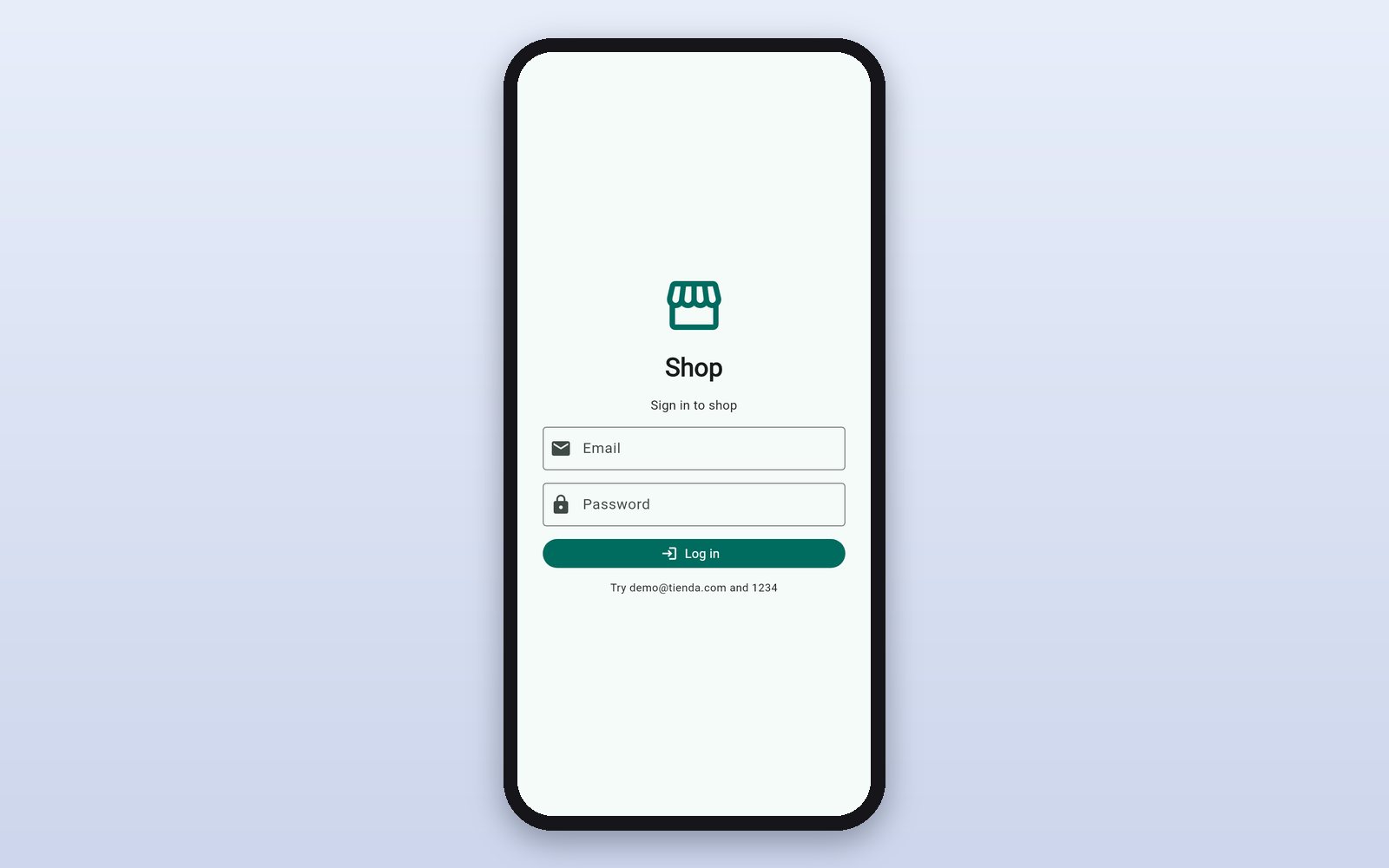 Flutter
Shop with login
Sign in, search the catalog, open a product, fill the cart and pay. Try demo@tienda.com and 1234.
What it shows
- Screens designed FlutterFlow-style
- Login, navigation and app state
- The same app on Android, iPhone and the web
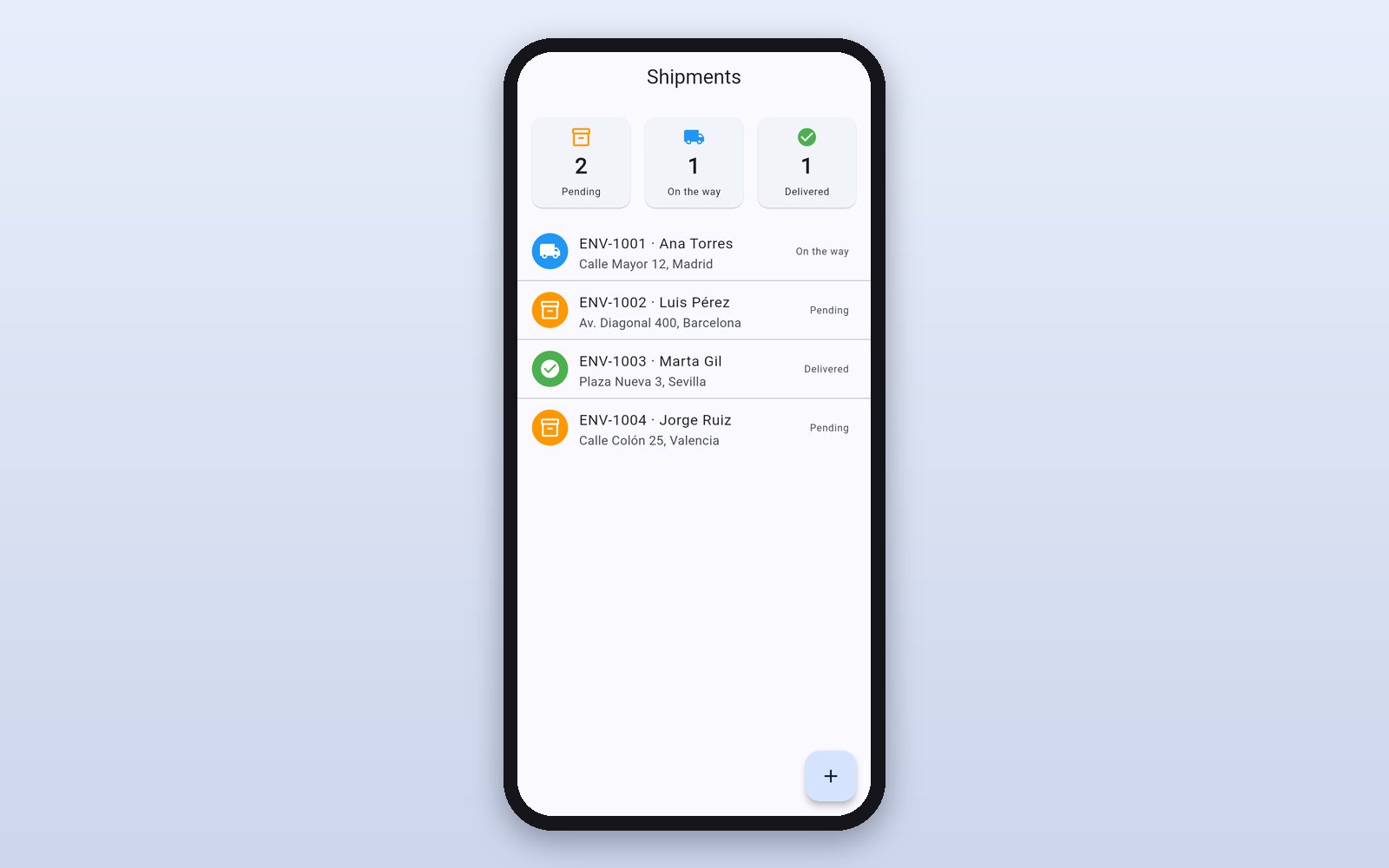 Flutter
Shipments
Shipments by status, the detail with its tracking and adding a new one.
What it shows
- Lists, cards and badges
- A detail screen that receives data
- Forms with validation
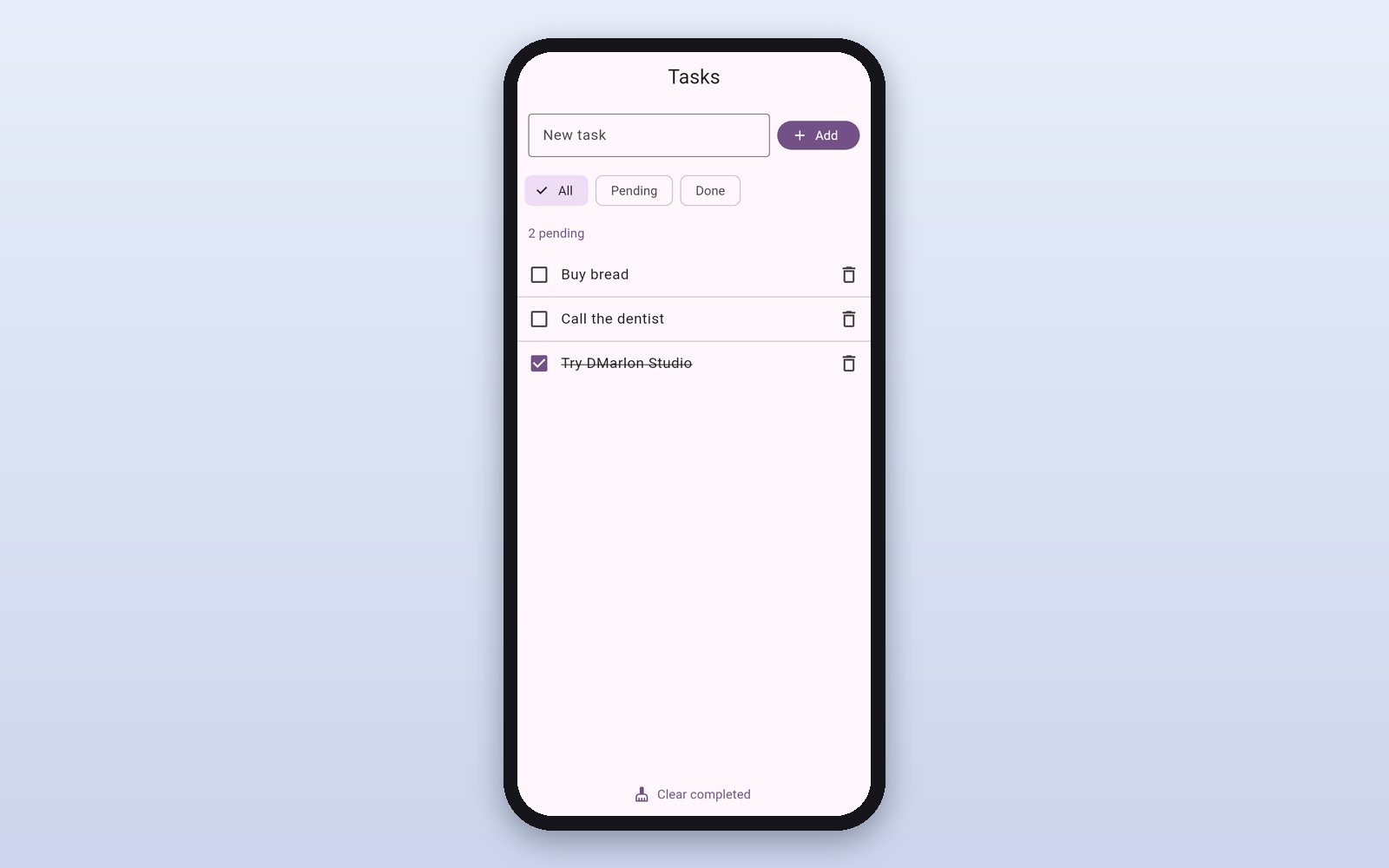 Flutter
Tasks
Tasks with filters saved on the phone (on the web, in the browser).
What it shows
- Saving data on the device
- Live filters and counters
- A pub package (shared_preferences)
To install the APK, allow “install unknown apps” on Android. On iPhone they are tried from the studio (distributing them needs Apple's signature).
Web
The same shop, designed once and generated in three technologies. Open it in the browser: sign in with demo@tienda.com and 1234.
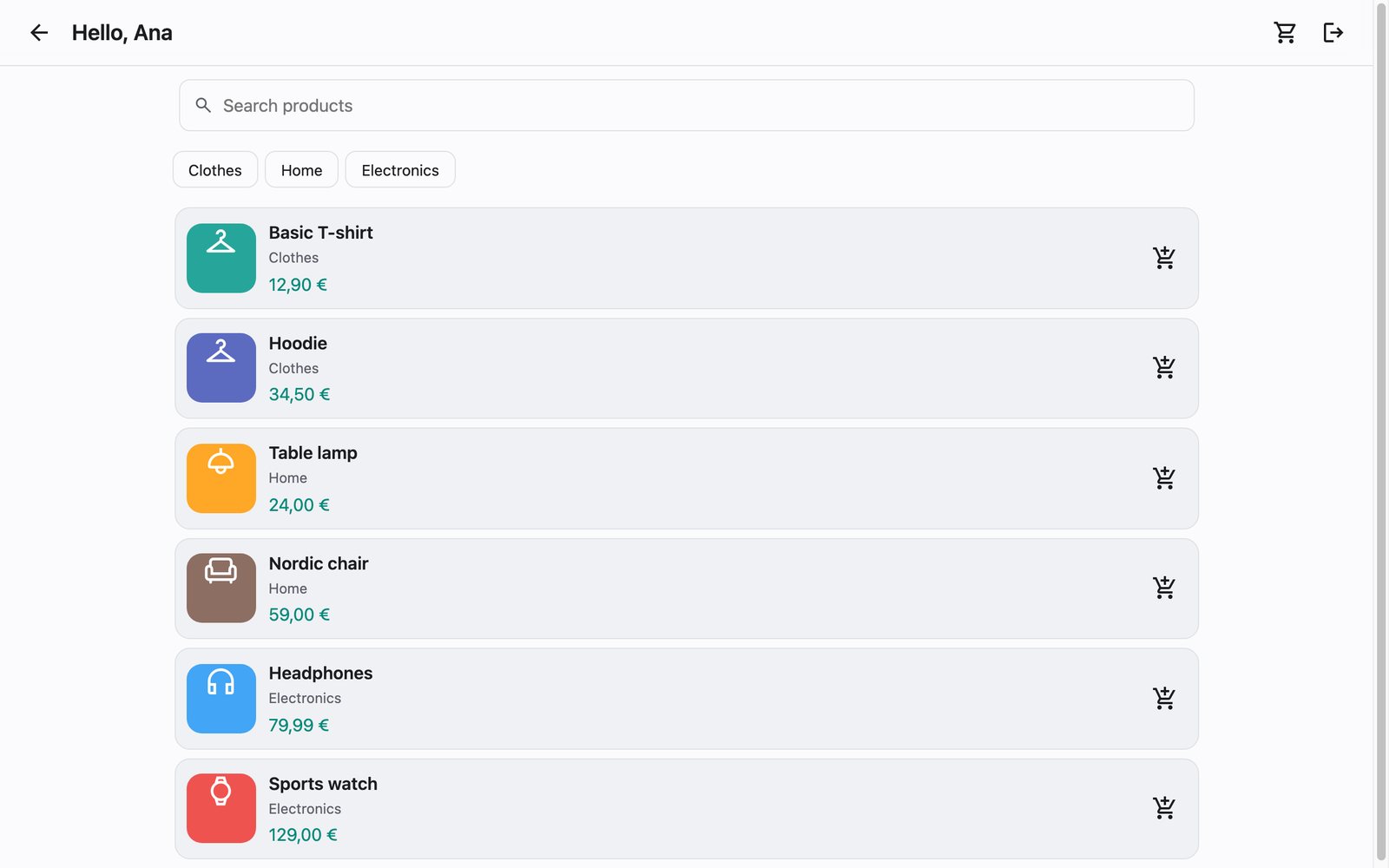 HTML · CSS · JS
Web shop (HTML)
HTML, CSS and JavaScript with nothing to build or install: upload it as is to any hosting.
What it shows
- Zero dependencies
- Routes and state in JavaScript
- Responsive on desktop and mobile
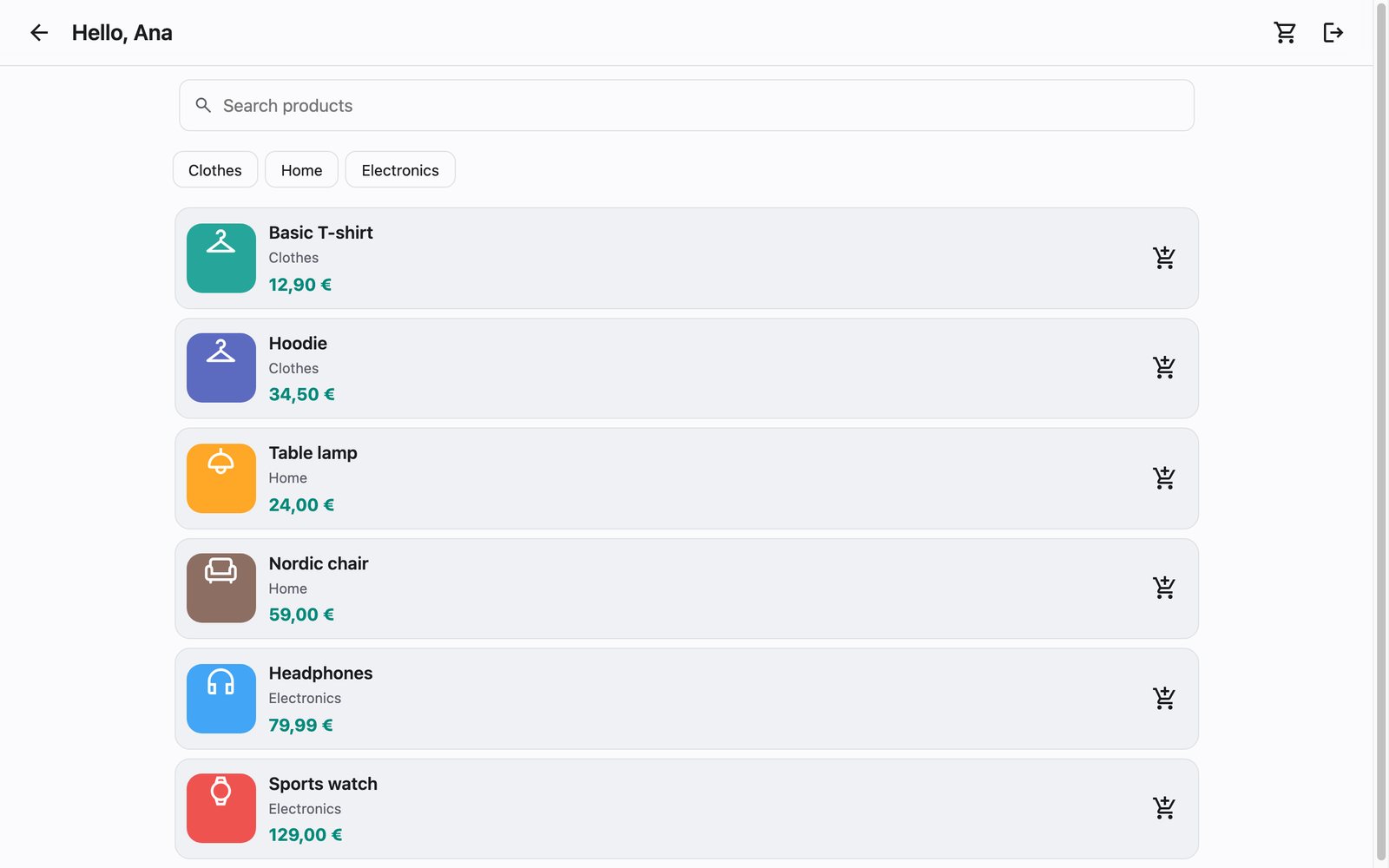 React · Vite
Web shop (React)
The same shop as a React website with Vite: static files ready to publish.
What it shows
- Generated React components
- Built with Vite
- The logic in JavaScript, as in HTML
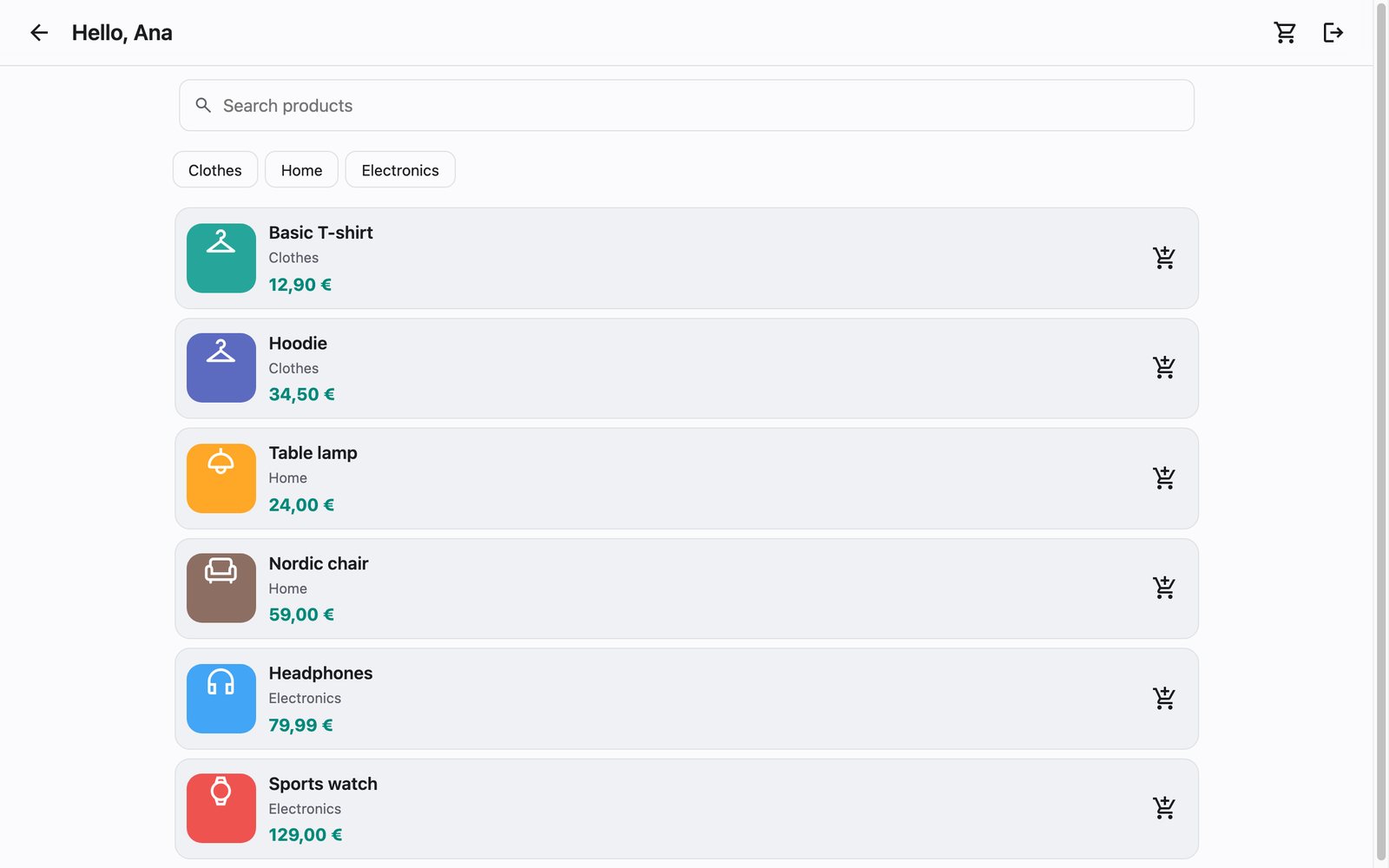 Vue · Vite
Web shop (Vue)
The same shop with Vue: each screen is a .vue component.
What it shows
- .vue components with their template
- Built with Vite
- One design, three technologies
How to open a demo
macOS
- Unzip it and open the app.
- The demos are not signed yet: if macOS blocks it, right-click → Open, or go to System Settings → Privacy & Security → “Open Anyway”.
Windows
- Unzip the whole folder and open the .exe inside.
- If “Windows protected your PC” appears, click “More info” → “Run anyway”.
Want to see how they are made? They all come as examples in DMarlon Studio: open them in the Designer, change anything and press Run.
All files, on GitHub →