How it works
 1
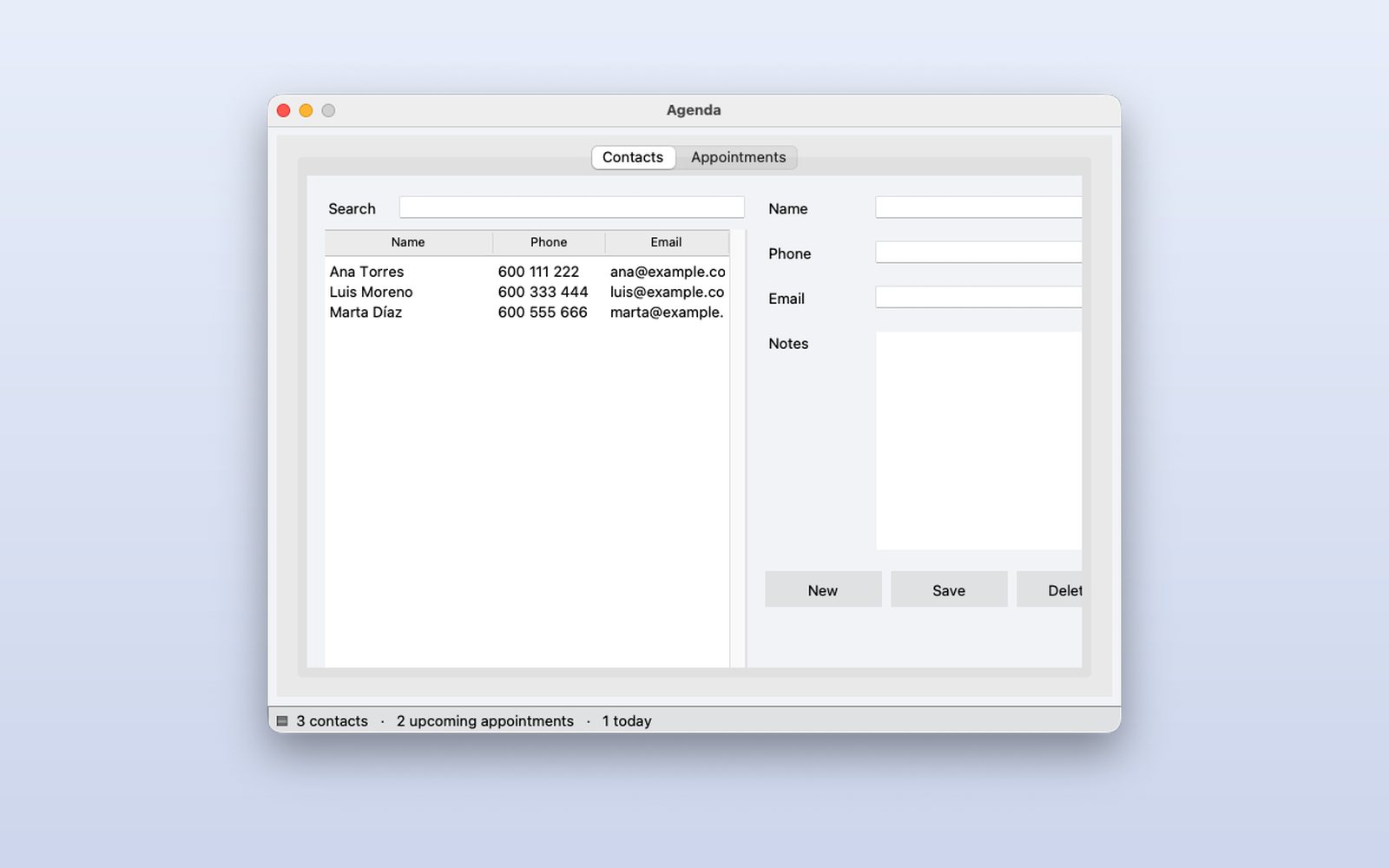
Your contacts
The table shows name, phone and email; pick one and its details fill the form to change or delete them.
 2
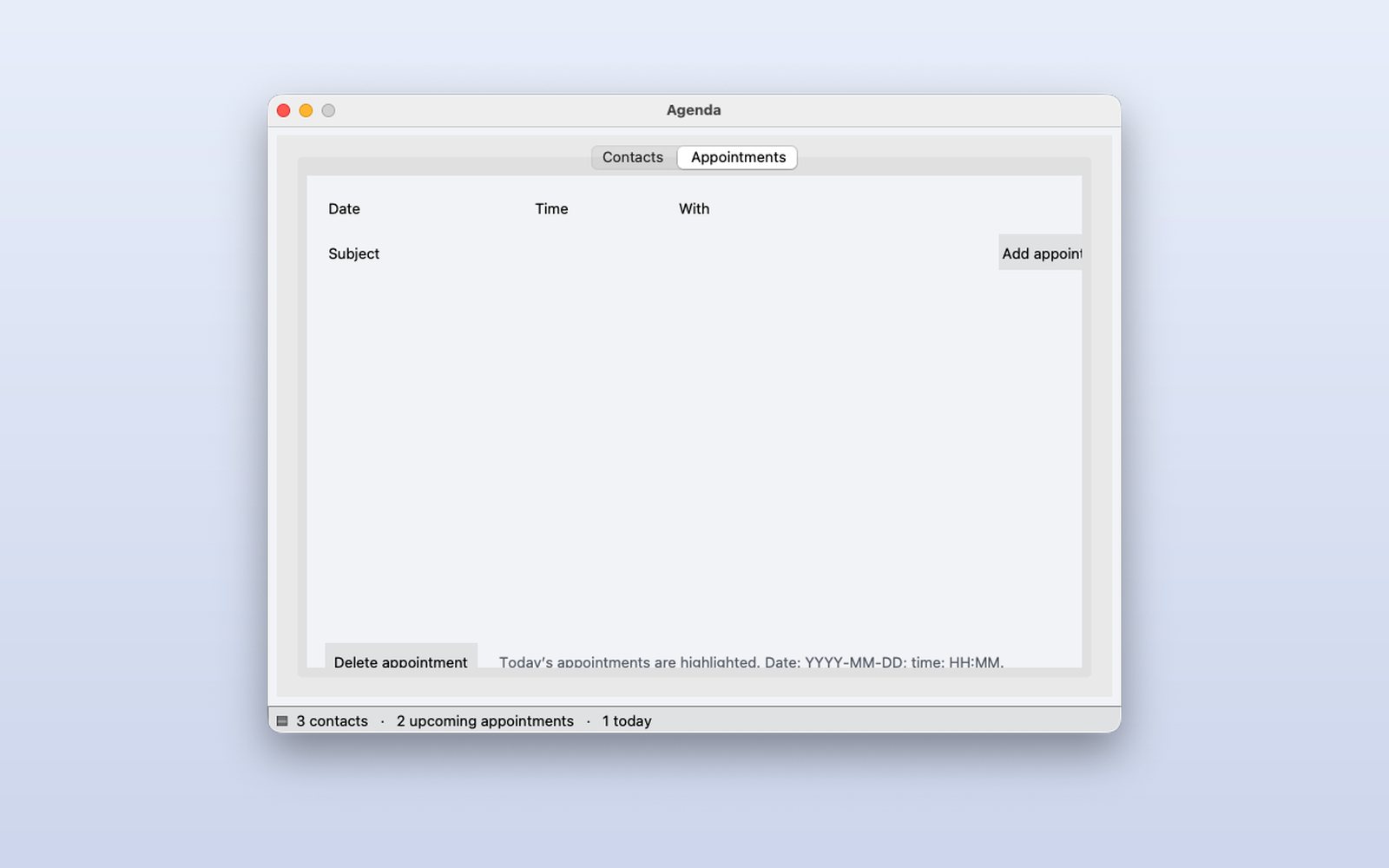
Your appointments
On the other tab, appointments with date, time and contact; the status bar counts upcoming ones and today's.
 3
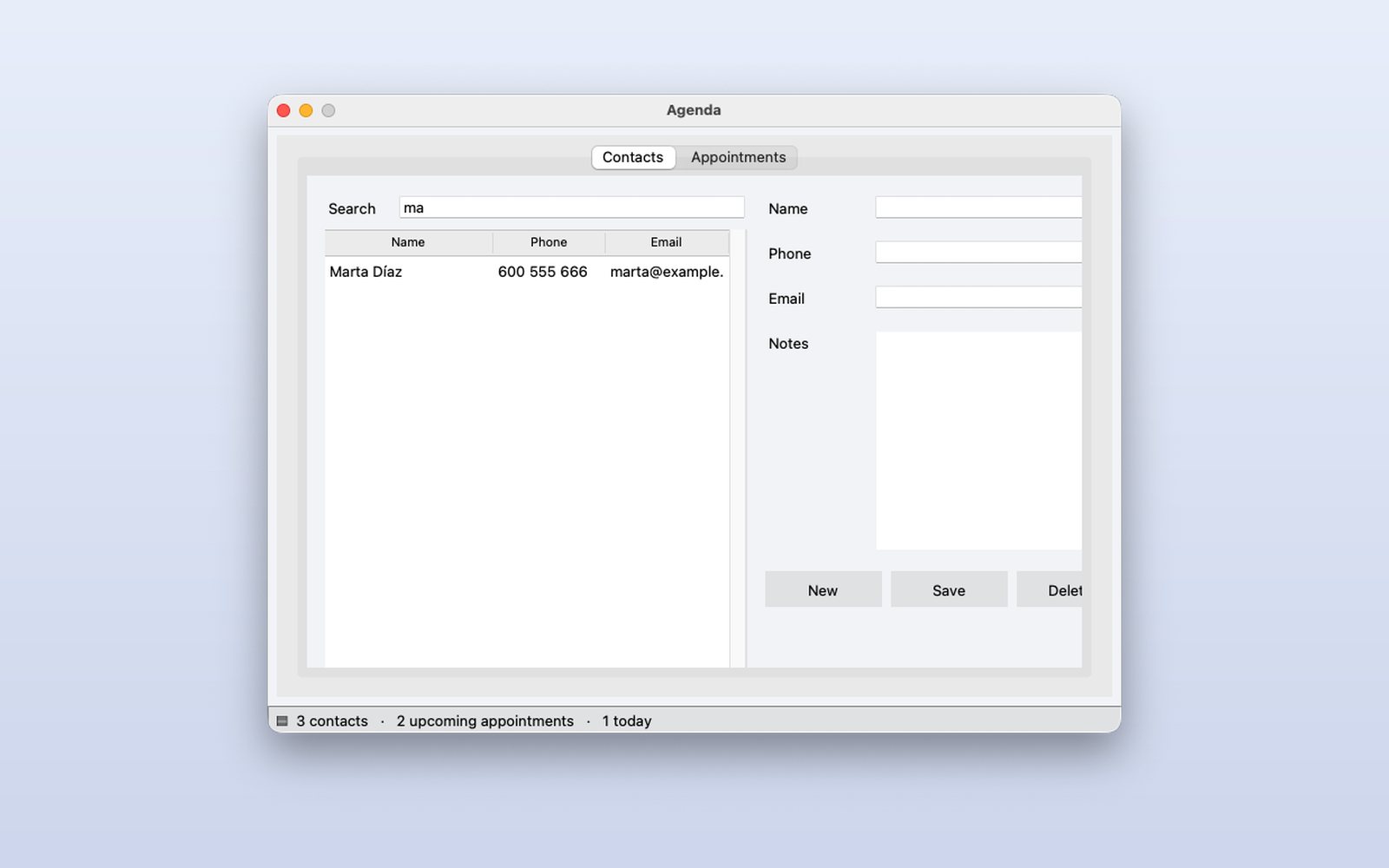
Search as you type
Type in Search and the table filters with every letter, by name, phone or email.
This demo comes as an example in DMarlon Studio: open it in the Designer to see its design and code, change it and press Run.