Chapter 1
Introduction and installation
What DMarlon Studio is, what it needs and where it keeps everything.
What DMarlon Studio is
DMarlon Studio is a visual desktop IDE. You design windows by dragging components onto a form, adjust their properties in an inspector and write the code of each event in Python. F9 runs the window on your computer.
Today the same designer builds two kinds of app: desktop windows with tkinter and web apps with Flask. Around the designer there is a VS Code-style code editor with git and a terminal, a database manager, an API client, an FTP client, a diagram editor and AI assistants (Claude by default).
Requirements
| To… | You need |
|---|---|
| Use the studio | macOS 10.15 or later, or 64-bit Windows 10/11. |
| Run desktop windows | Python 3 with tkinter. On macOS: brew install python-tk or the python.org installer. On Windows: the python.org installer with the tcl/tk and IDLE option ticked. |
| Run web apps | Flask in that same Python: python3 -m pip install flask (on Windows, py -3 -m pip install flask). |
| Version control in the Editor | git installed on the computer. |
| Claude Code chat in the Designer | Claude Code installed and signed in (optional). |
| AI assistants | An API key for the provider chosen in Settings (optional). |
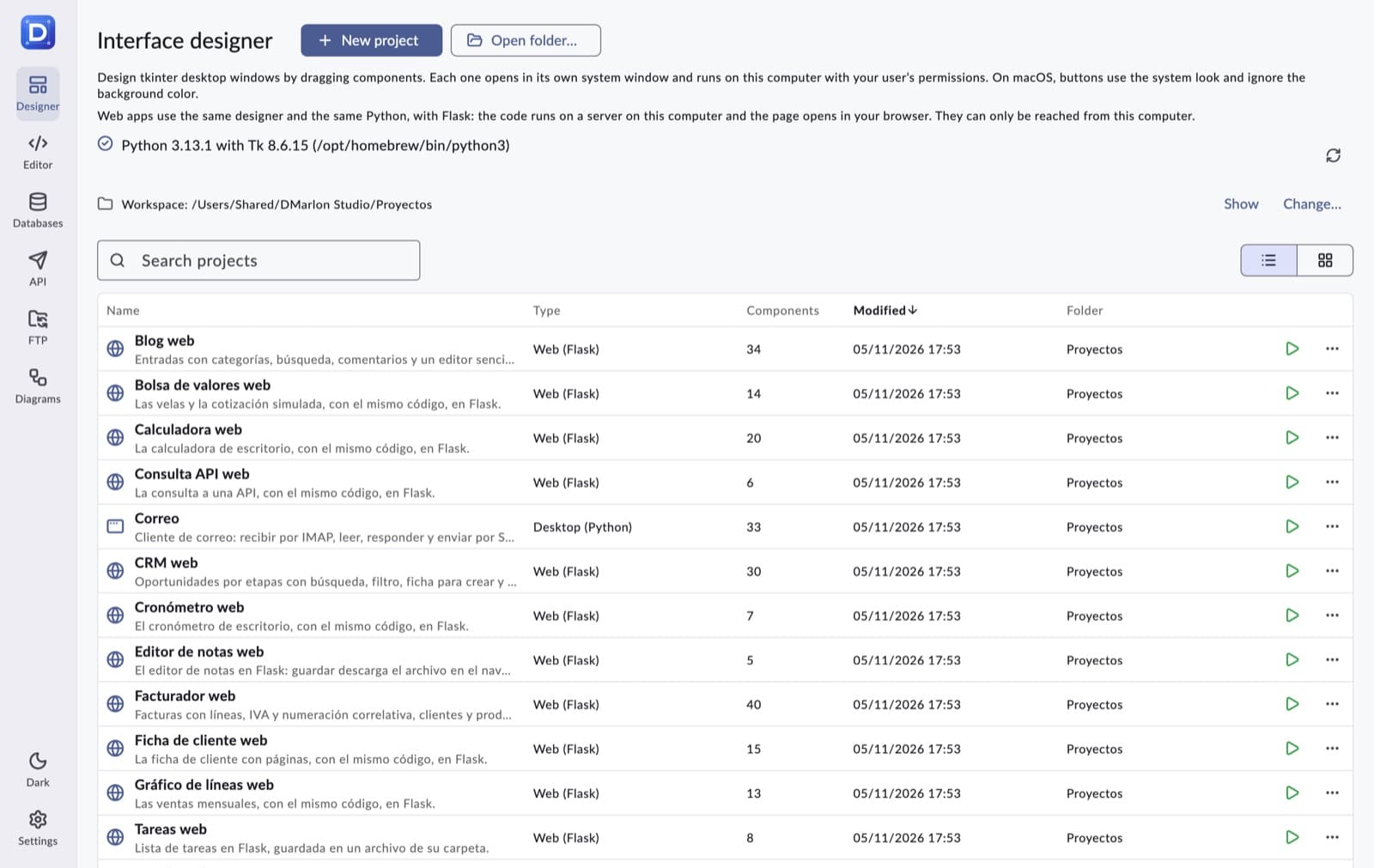
The studio finds Python on its own: on the PATH, in the Homebrew folders and in the python.org install, and keeps the one with the newest Tk. The result is shown on the Designer's project list.
Installation
Download the zip for your system from the downloads section of dmarlonstudio.com.
- macOS: unzip
DMarlonStudio-macOS.zipand move DMarlon Studio to the Applications folder. The first time, open the app with right-click → Open: it is not signed. - Windows: unzip the whole
DMarlonStudio-Windows.zipwherever you like (not in Program Files) and runDMarlonStudio.exe. If “Windows protected your PC” appears, click More info → Run anyway.
Where everything is stored
| What | Where |
|---|---|
| Designer projects | One folder per project in ~/Documents/DMarlon Studio/Proyectos (it can be changed in the Designer). They can be versioned with git. |
| Settings, connections, API requests, history and diagrams | studio.sqlite, in the app's data folder: ~/Library/Application Support/com.dmarlonstudio.studio on macOS and %APPDATA%\DMarlon Studio\DMarlon Studio on Windows. |
| Deleted projects | The .papelera folder inside the workspace: nothing is erased for good. |
Each project folder holds project.dmsproj (the design, as JSON), the window's code (Form1.py, named after the form), a .gitignore and, once run, build/ with the generated Python.