How it works
 1
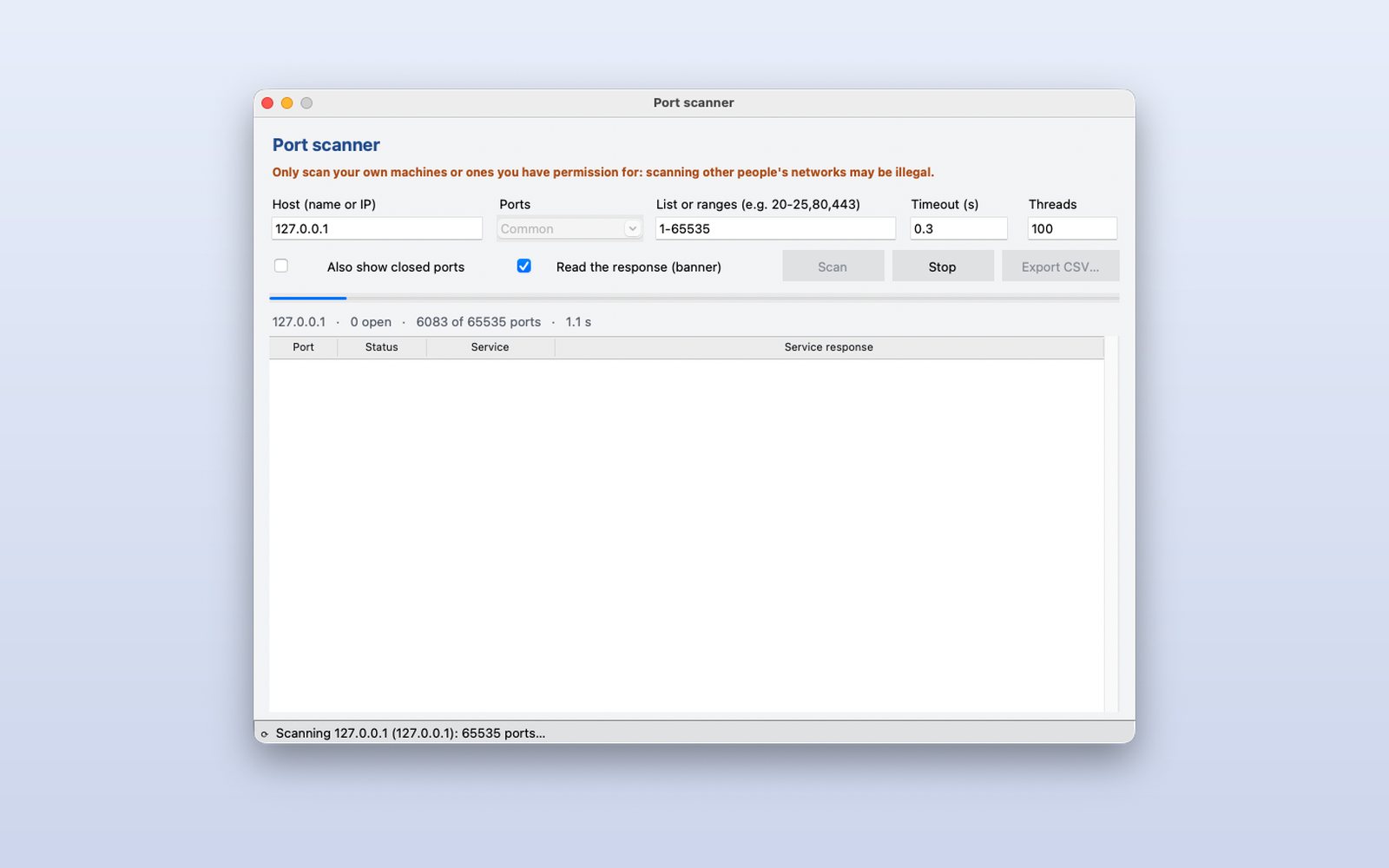
Start the scan
Choose the host and the ports (common, 1 to 1024, all or a list). Progress, open ports and time show while it scans, without blocking the window.
 2
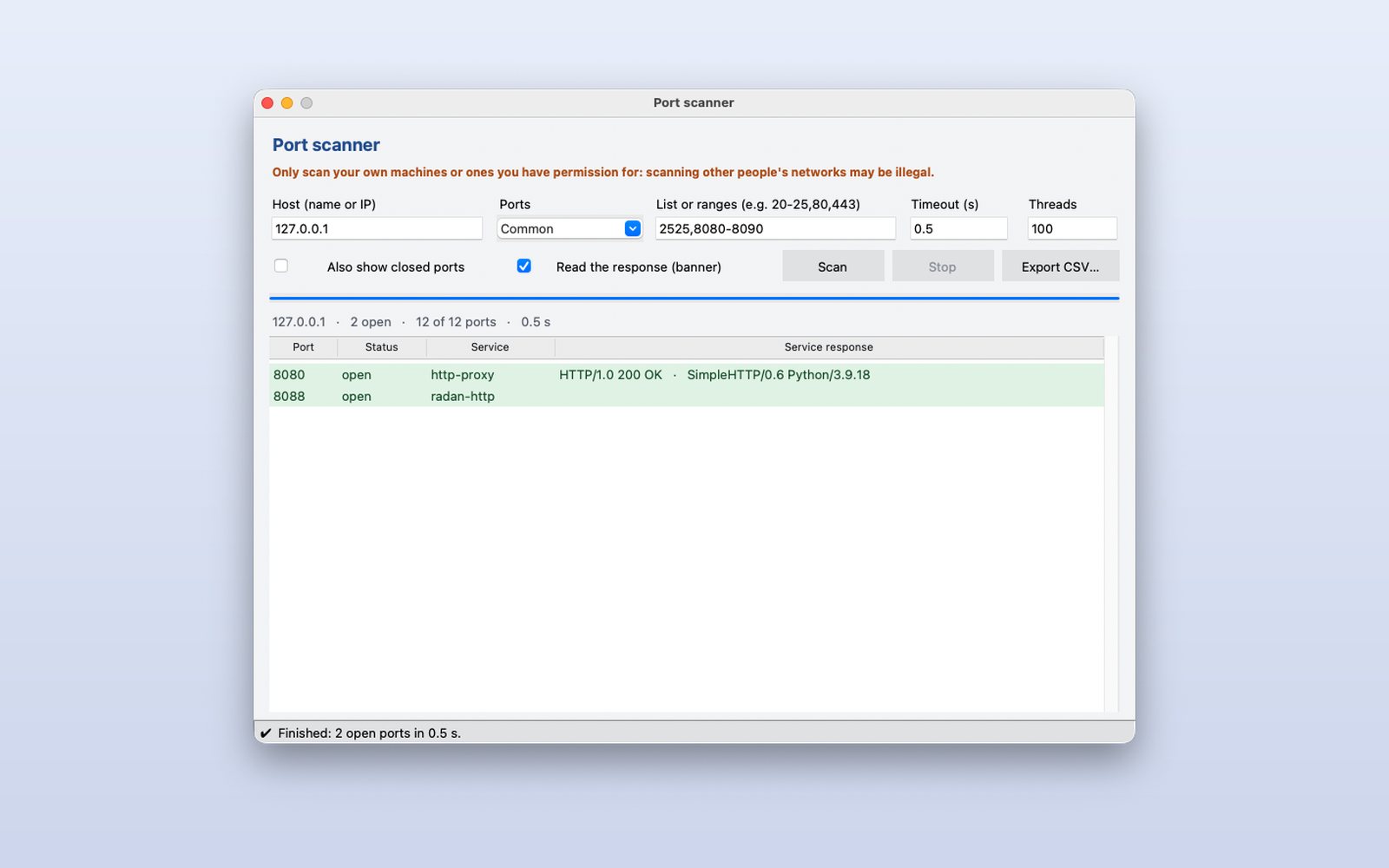
Read each service's answer
Each open port shows its service and, if it answers, its banner: a web server, a mail server… so you know what is behind each port.
 3
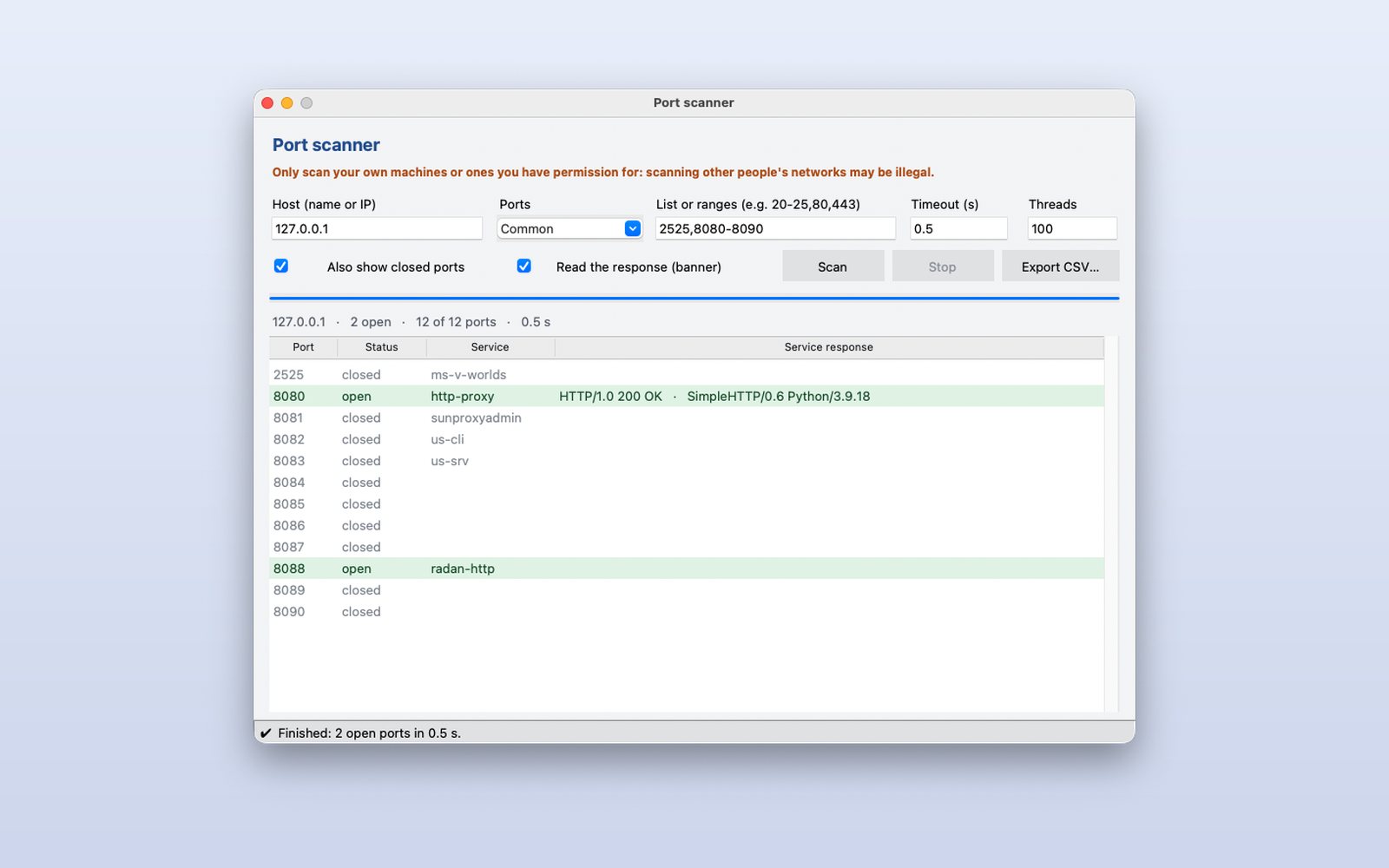
See the closed ones too
Turn on “Also show closed ports” for the full result and export it to CSV to keep or compare later.
This demo comes as an example in DMarlon Studio: open it in the Designer to see its design and code, change it and press Run.