How it works
 1
Open a text
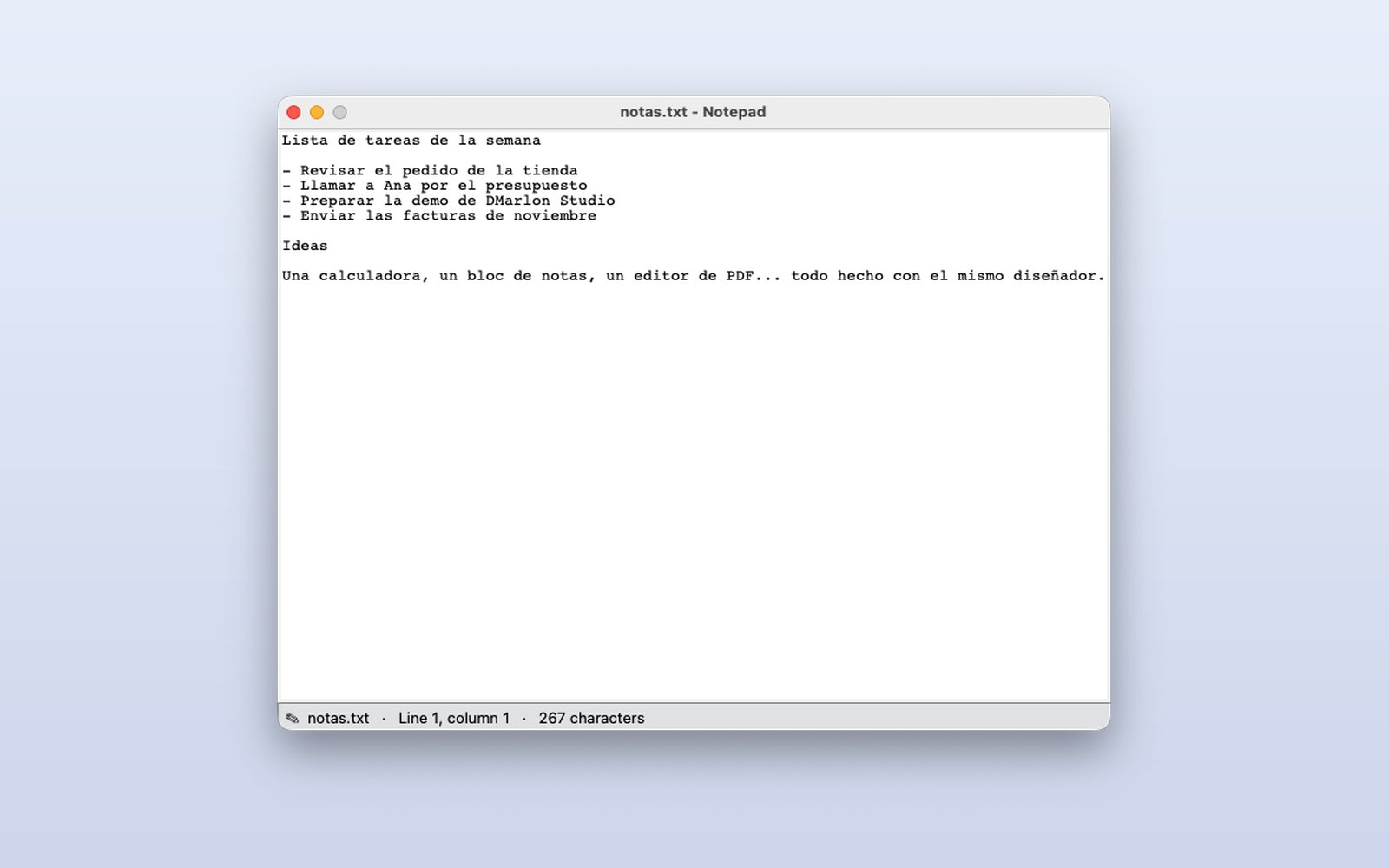
File → Open uses your system's dialog. The file name goes to the window title and the status bar.
 2
Write with the position in view
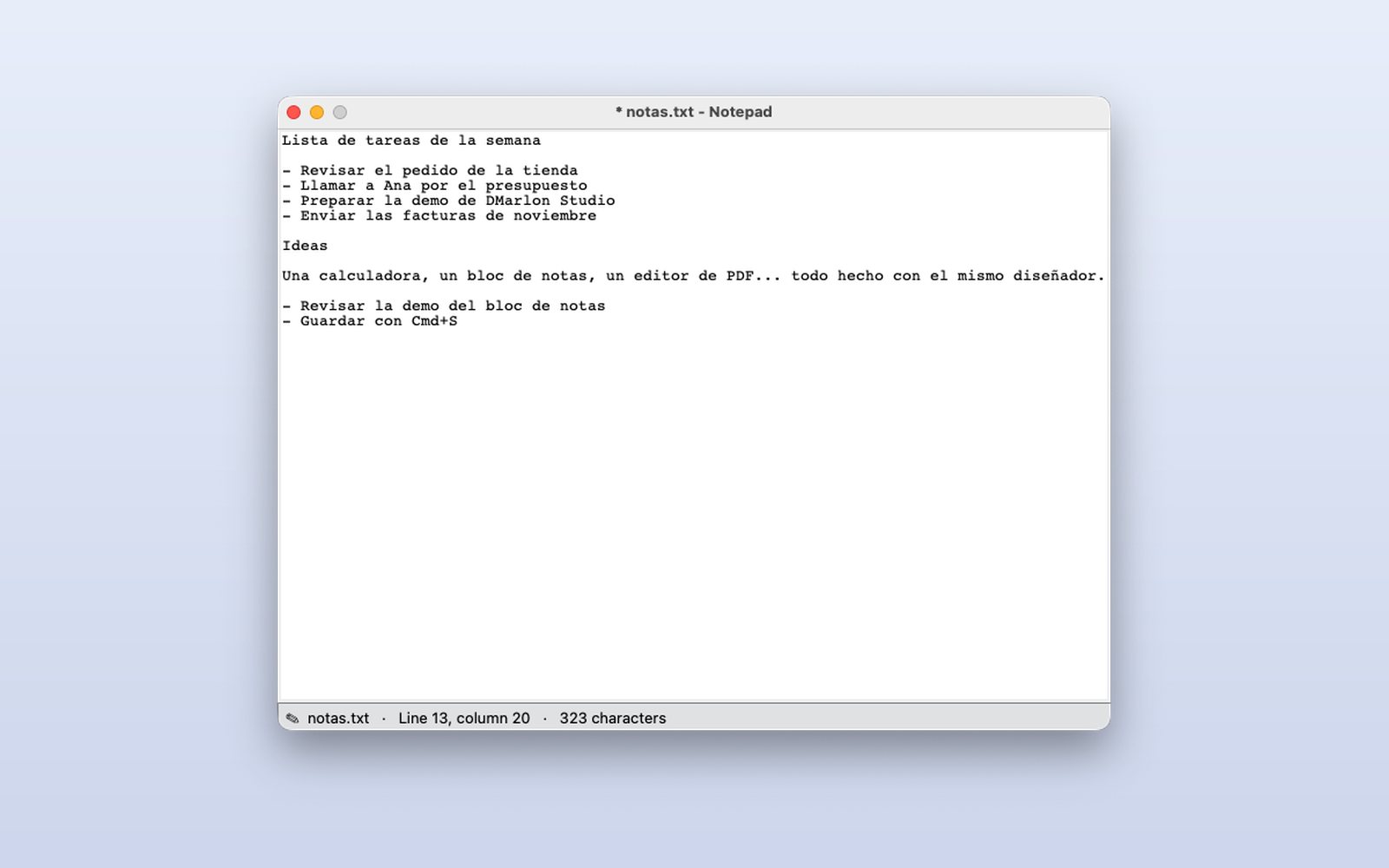
The status bar shows the line, column and character count, updated with every key and click.
 3
Nothing is lost without warning
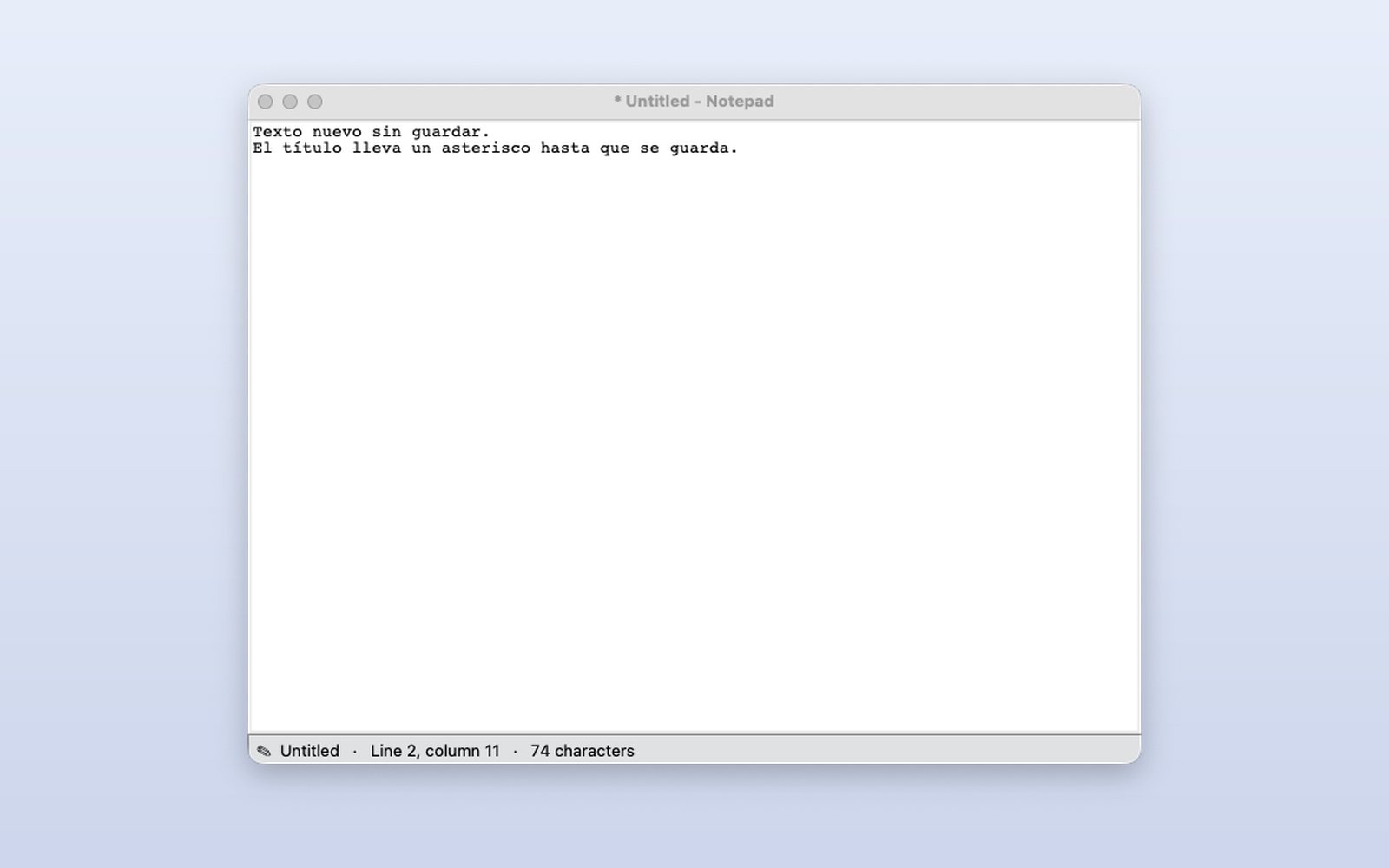
While there are unsaved changes the title has an asterisk; when closing or opening another file the program asks before discarding them.
This demo comes as an example in DMarlon Studio: open it in the Designer to see its design and code, change it and press Run.