Flutter
Tasks
A to-do list saved on the phone (on the web, in the browser) with a pub package, shared_preferences.
What it shows
- Saving data on the device
- Live filters and counters
- A pub package (shared_preferences)
How it works
- 1
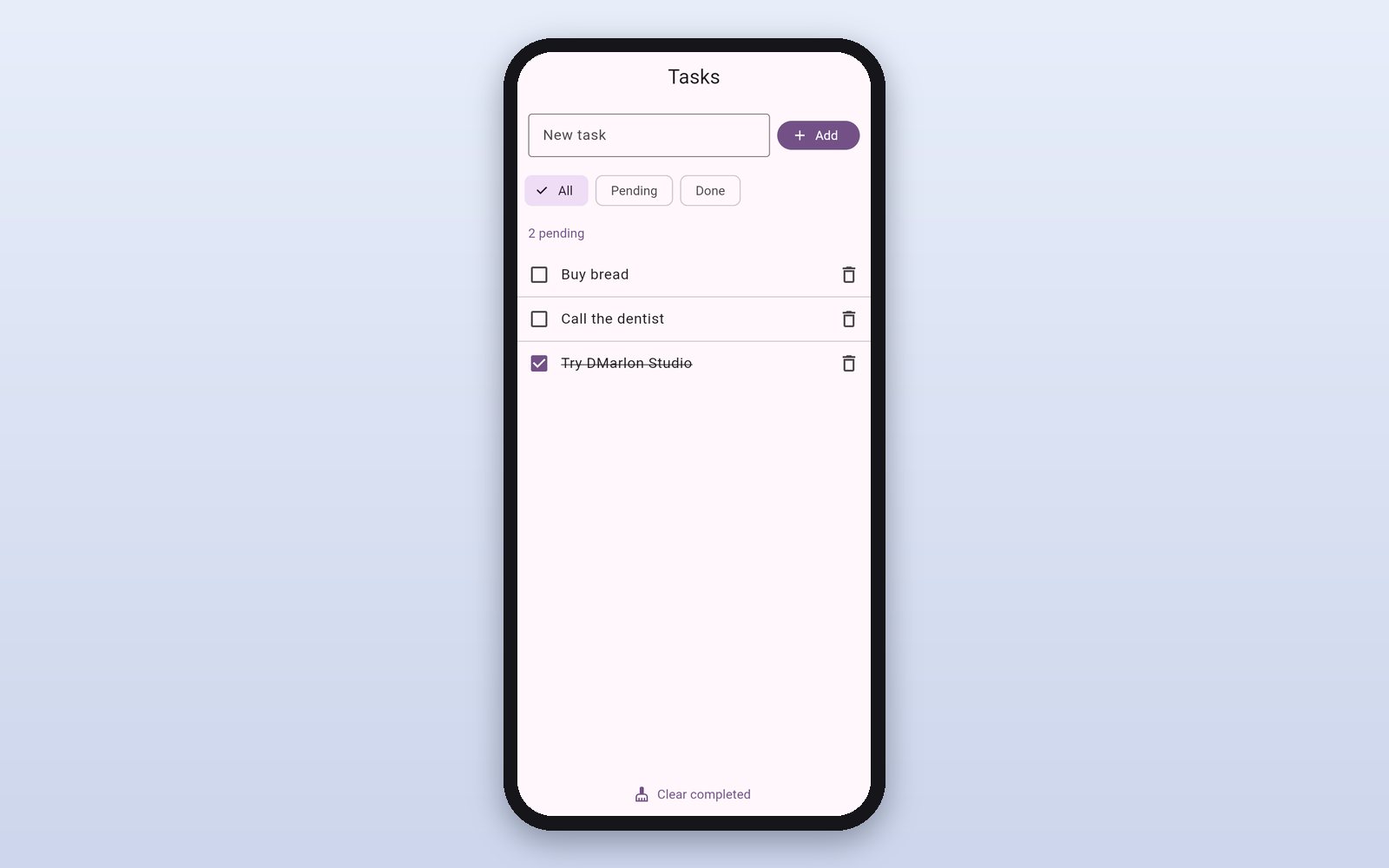
Your tasks
The list shows pending and done tasks, with the pending count always up to date.
 2
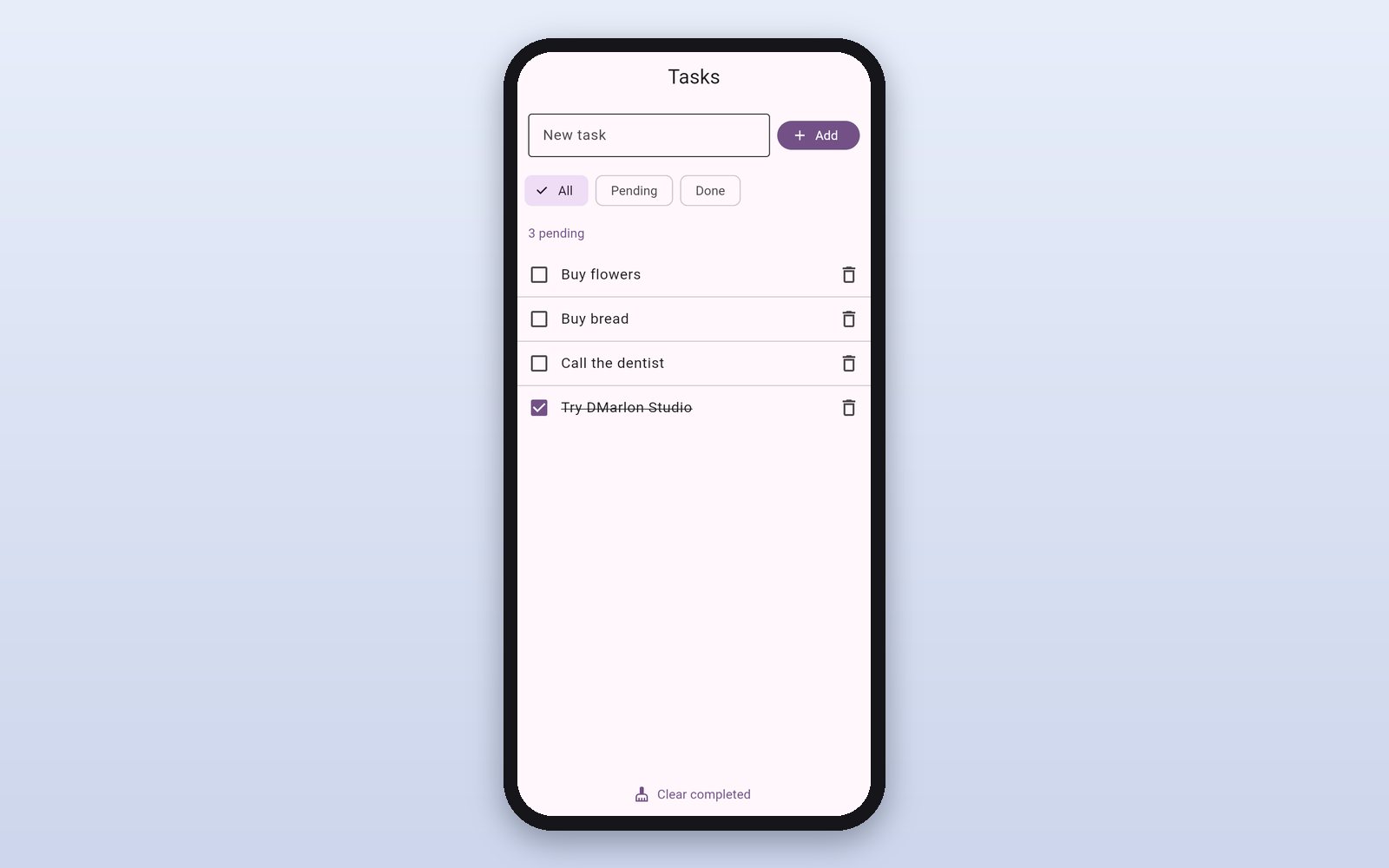
Add a task
Type it and press Add: it appears at once and is saved on the device.
 3
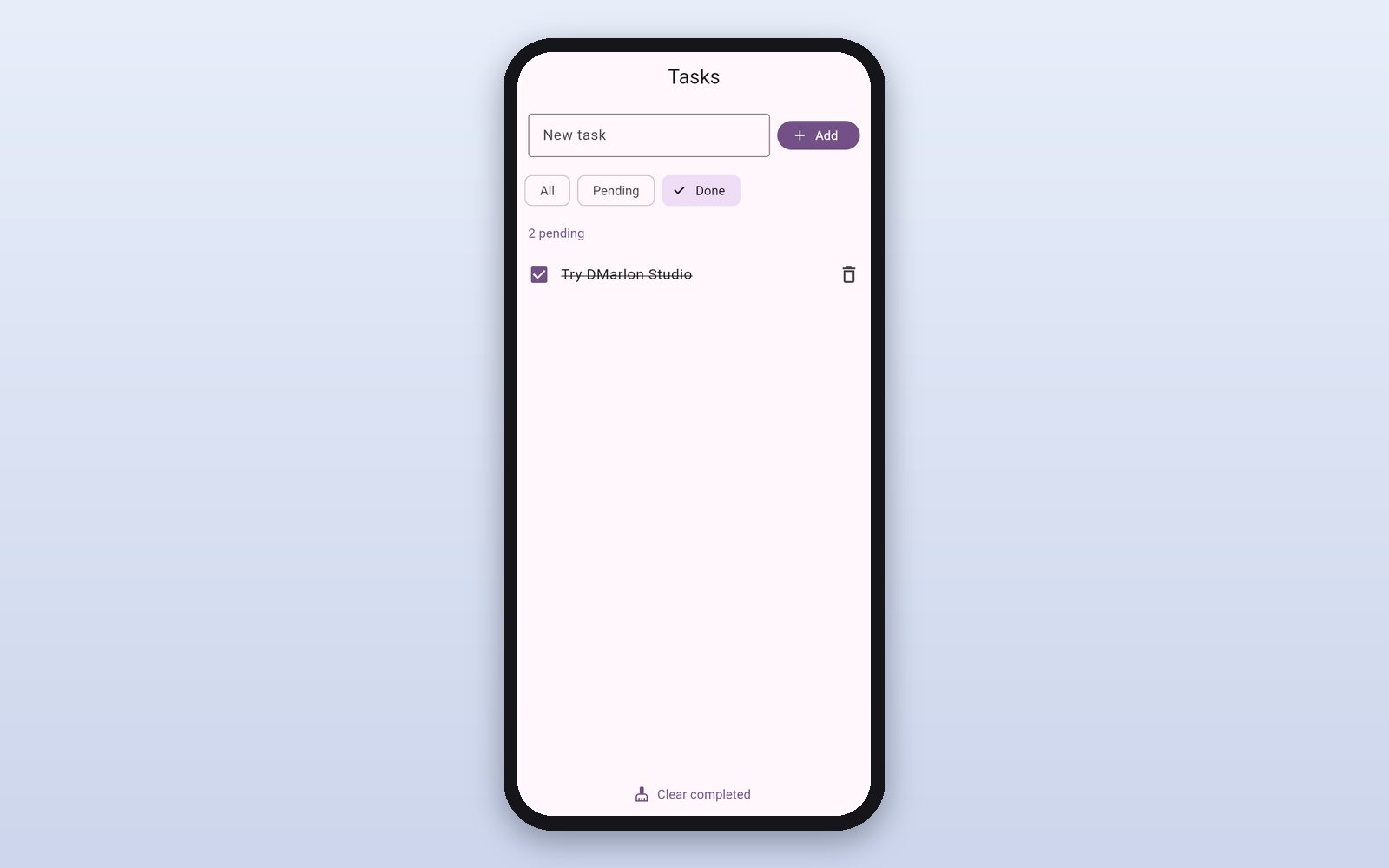
Filter
All, pending or done; “Clear completed” cleans the list in one go.
This demo comes as an example in DMarlon Studio: open it in the Designer to see its design and code, change it and press Run.