Lesson 5 · 5 of 20
Getters, setters and private fields · JavaScript
Protect object state in JavaScript with # private fields, validate values with setters and compute properties with getters.
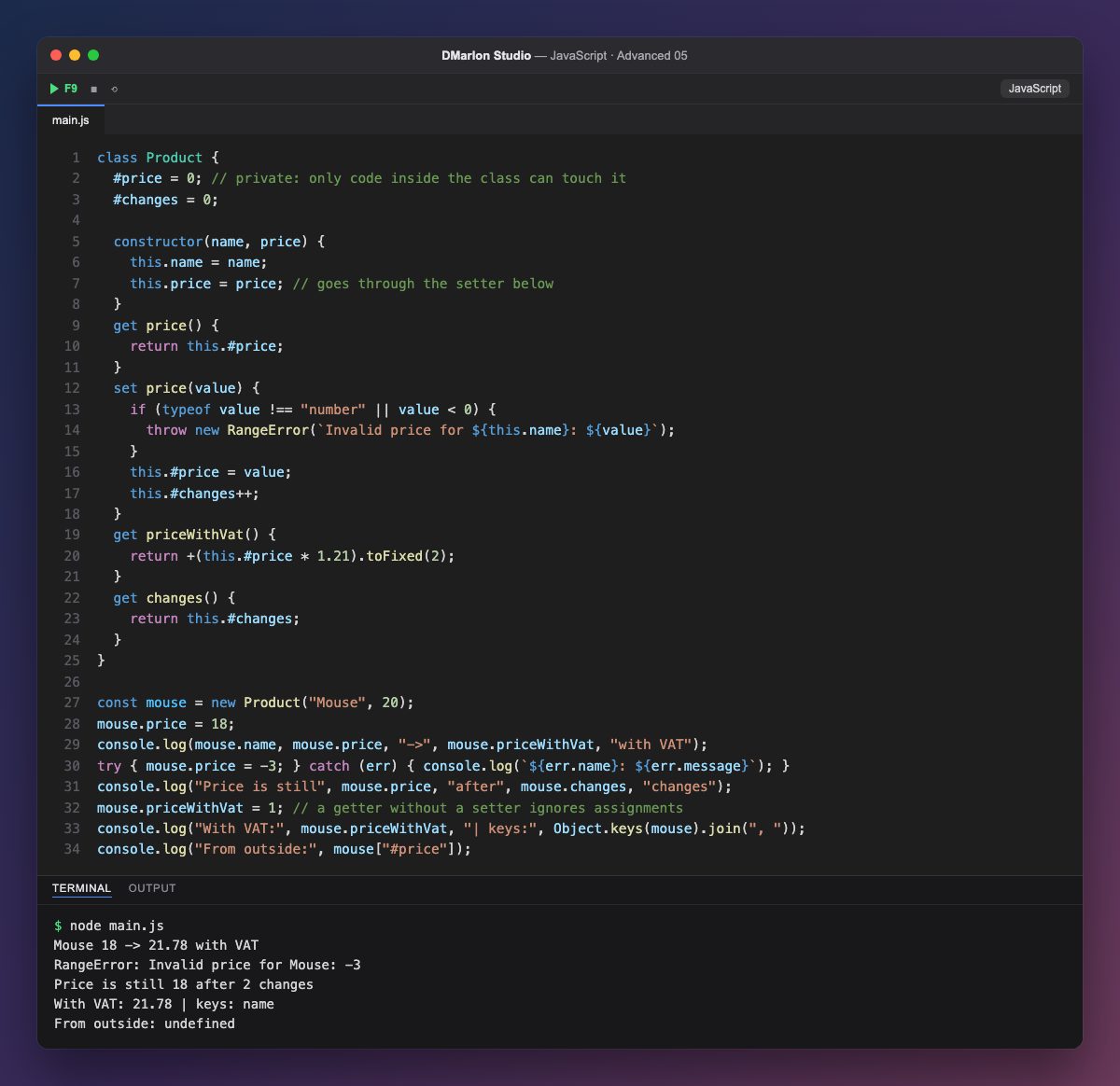
Fields that start with `#` are private: only code inside the class can read or change them. #price and #changes are declared at the top with their initial values, and from outside they simply do not exist: mouse["#price"] is undefined and Object.keys(mouse) only shows name. Writing mouse.#price outside the class would be a syntax error.
A setter (set price(value)) looks like a normal property but runs code on assignment. That is why mouse.price = 18 goes through validation while mouse.price = -3 throws a RangeError, which the program catches and prints. Even the constructor uses this.price = price, so the starting price is validated and counted as a change too: hence 2 changes.
A getter (get price()) is read without parentheses: mouse.price. It also gives you computed properties: priceWithVat is not stored anywhere; it is worked out from #price every time. Since it has no setter, the assignment mouse.priceWithVat = 1 does nothing (in strict mode it would throw a TypeError).
Together, private fields, getters and setters give you encapsulation: the object decides what is visible, what can change and under which rules, so nobody can leave it in an invalid state, such as a product with a negative price.
Code · main.js
class Product { #price = 0; // private: only code inside the class can touch it #changes = 0; constructor(name, price) { this.name = name; this.price = price; // goes through the setter below } get price() { return this.#price; } set price(value) { if (typeof value !== "number" || value < 0) { throw new RangeError(`Invalid price for ${this.name}: ${value}`); } this.#price = value; this.#changes++; } get priceWithVat() { return +(this.#price * 1.21).toFixed(2); } get changes() { return this.#changes; }}const mouse = new Product("Mouse", 20);mouse.price = 18;console.log(mouse.name, mouse.price, "->", mouse.priceWithVat, "with VAT");try { mouse.price = -3; } catch (err) { console.log(`${err.name}: ${err.message}`); }console.log("Price is still", mouse.price, "after", mouse.changes, "changes");mouse.priceWithVat = 1; // a getter without a setter ignores assignmentsconsole.log("With VAT:", mouse.priceWithVat, "| keys:", Object.keys(mouse).join(", "));console.log("From outside:", mouse["#price"]);Output · node main.js
Mouse 18 -> 21.78 with VAT
RangeError: Invalid price for Mouse: -3
Price is still 18 after 2 changes
With VAT: 21.78 | keys: name
From outside: undefined
Key points
- A
#privatefield is only reachable from inside the class. - A setter validates or transforms the value on every assignment.
- A getter reads like a property and can compute its value.
- A getter with no setter is a read-only property.
Exercise
Add a discount setter that accepts a percentage between 0 and 50, stores it in a private #discount field and makes priceWithVat apply it; try one valid discount and one of 80.