Lesson 12 · 12 of 20
async and await · JavaScript
Write asynchronous JavaScript that reads top to bottom with async and await, and handle its errors with try/catch.
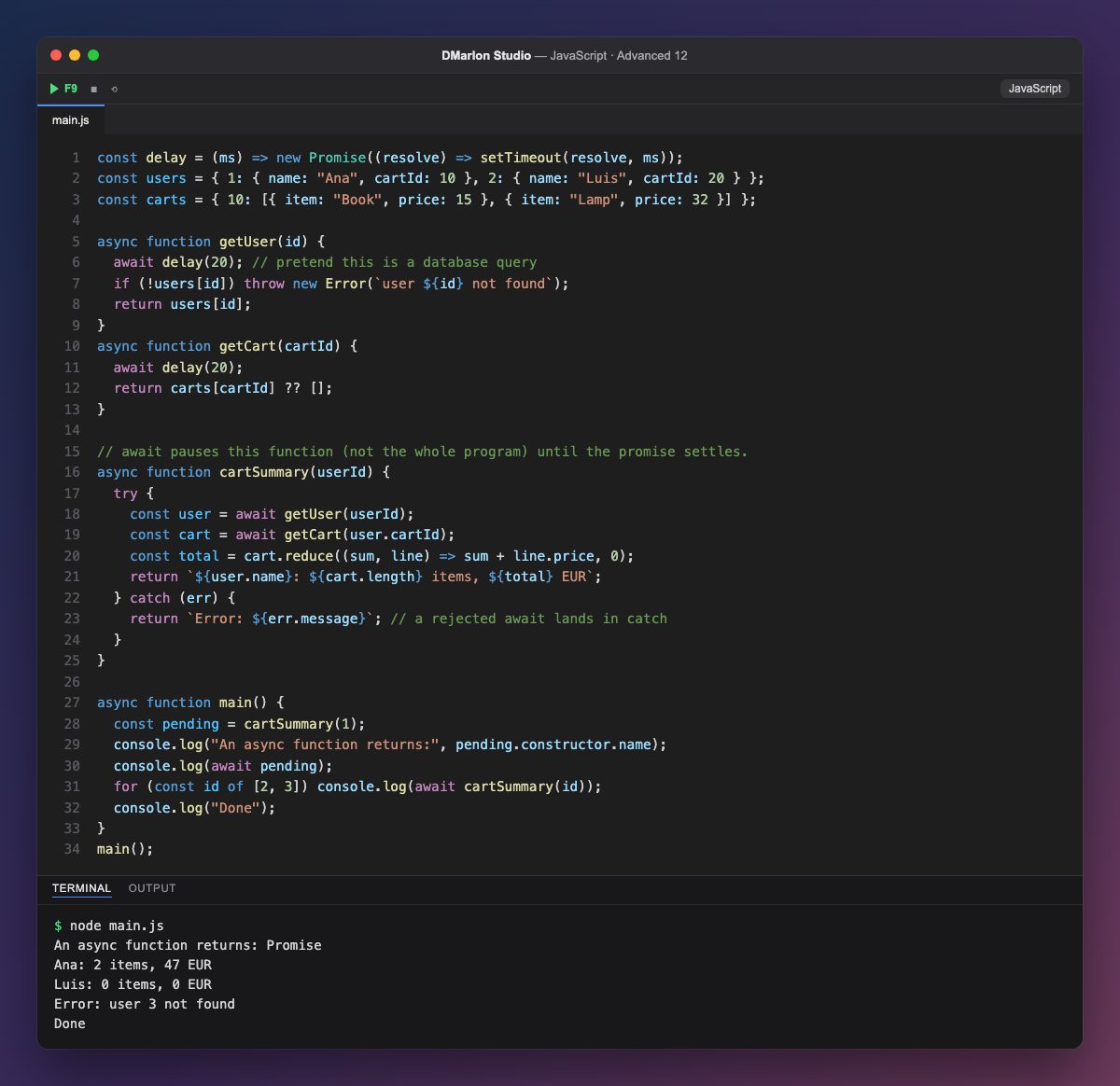
A function marked `async` always returns a promise, even when it returns a plain value: the first line of output confirms it (Promise). What it returns becomes the promise's value, and what it throws becomes its rejection, as getUser does when the user does not exist.
`await` waits for a promise to settle and hands you its value. In cartSummary the code reads top to bottom as if it were synchronous: first the user, then their cart, then the total. While it waits, only that function is paused; the rest of the program (other timers, events) keeps running.
Errors are handled with the familiar `try`/`catch`: if the promise behind an await is rejected, the error jumps to catch. So user 3 produces Error: user 3 not found without stopping the program, and Luis, whose cart does not exist, shows 0 items thanks to ?? [].
Because CommonJS does not allow await outside a function, the program lives in async function main(), called at the end. In the for...of loop, each await lets one summary finish before the next one starts. In DMarlon Studio's Electron, React, Next.js and React Native targets, this is the style you will see for reading data from an API or a database.
Code · main.js
const delay = (ms) => new Promise((resolve) => setTimeout(resolve, ms));const users = { 1: { name: "Ana", cartId: 10 }, 2: { name: "Luis", cartId: 20 } };const carts = { 10: [{ item: "Book", price: 15 }, { item: "Lamp", price: 32 }] };async function getUser(id) { await delay(20); // pretend this is a database query if (!users[id]) throw new Error(`user ${id} not found`); return users[id];}async function getCart(cartId) { await delay(20); return carts[cartId] ?? [];}// await pauses this function (not the whole program) until the promise settles.async function cartSummary(userId) { try { const user = await getUser(userId); const cart = await getCart(user.cartId); const total = cart.reduce((sum, line) => sum + line.price, 0); return `${user.name}: ${cart.length} items, ${total} EUR`; } catch (err) { return `Error: ${err.message}`; // a rejected await lands in catch }}async function main() { const pending = cartSummary(1); console.log("An async function returns:", pending.constructor.name); console.log(await pending); for (const id of [2, 3]) console.log(await cartSummary(id)); console.log("Done");}main();Output · node main.js
An async function returns: Promise
Ana: 2 items, 47 EUR
Luis: 0 items, 0 EUR
Error: user 3 not found
Done
Key points
- An
asyncfunction always returns a promise. awaitpauses only the current function until the promise settles.- A rejection inside
awaitis caught withtry/catch. - In CommonJS,
awaitgoes inside anasyncfunction such asmain().
Exercise
Add an async getDiscount(user) function that waits 10 ms and returns 10% for Ana and 0% for everyone else, and use it in cartSummary to print the discounted total.