Lesson 11 · 11 of 20
Working with vectors · C++
Change a std::vector in C++ with insert, erase and pop_back, then sort it and find its smallest and largest values with <algorithm>.
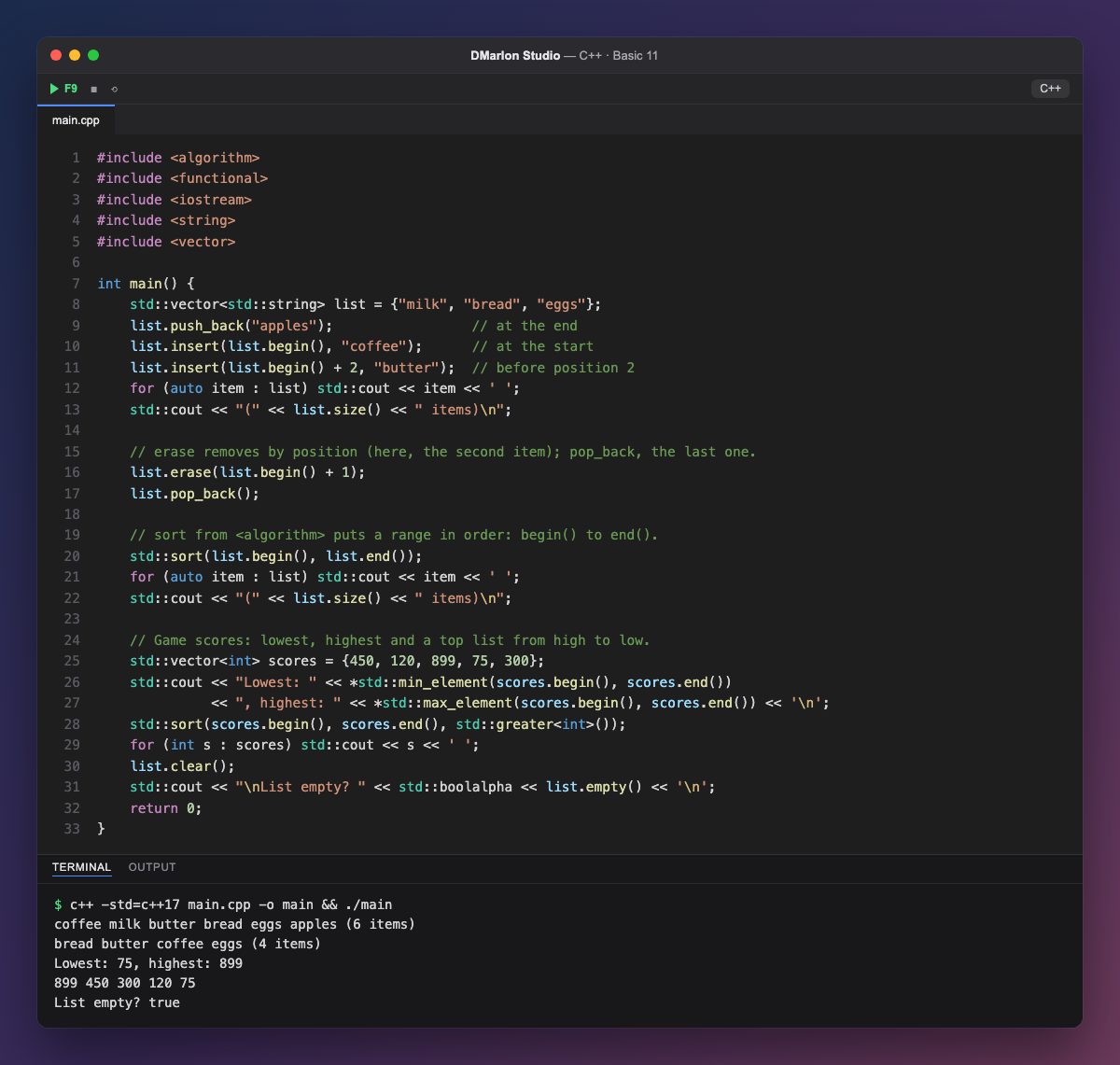
Besides push_back, `insert()` adds an element anywhere. It takes the position as an iterator: list.begin() points at the first element and list.begin() + 2 at the third. So coffee goes in at the start and butter before position 2.
`erase()` removes the element at a position (here milk, the second one) and `pop_back()` removes the last one. The others shift along and size() is updated: from 6 elements down to 4.
`std::sort`, from <algorithm>, sorts a range that goes from begin() to end(), the position just after the last element. Strings are sorted alphabetically.
<algorithm> has many more functions that work on ranges: `std::min_element` and `std::max_element` return an iterator to the smallest and largest, and the * in front gets the value. With a third argument, std::greater<int>() (from <functional>), sort goes from highest to lowest, like a high-score table.
`clear()` empties the vector and `empty()` tells you whether it has no elements left.
Code · main.cpp
#include <algorithm>#include <functional>#include <iostream>#include <string>#include <vector>int main() { std::vector<std::string> list = {"milk", "bread", "eggs"}; list.push_back("apples"); // at the end list.insert(list.begin(), "coffee"); // at the start list.insert(list.begin() + 2, "butter"); // before position 2 for (auto item : list) std::cout << item << ' '; std::cout << "(" << list.size() << " items)\n"; // erase removes by position (here, the second item); pop_back, the last one. list.erase(list.begin() + 1); list.pop_back(); // sort from <algorithm> puts a range in order: begin() to end(). std::sort(list.begin(), list.end()); for (auto item : list) std::cout << item << ' '; std::cout << "(" << list.size() << " items)\n"; // Game scores: lowest, highest and a top list from high to low. std::vector<int> scores = {450, 120, 899, 75, 300}; std::cout << "Lowest: " << *std::min_element(scores.begin(), scores.end()) << ", highest: " << *std::max_element(scores.begin(), scores.end()) << '\n'; std::sort(scores.begin(), scores.end(), std::greater<int>()); for (int s : scores) std::cout << s << ' '; list.clear(); std::cout << "\nList empty? " << std::boolalpha << list.empty() << '\n'; return 0;}Output · c++ -std=c++17 main.cpp -o main && ./main
coffee milk butter bread eggs apples (6 items)
bread butter coffee eggs (4 items)
Lowest: 75, highest: 899
899 450 300 120 75
List empty? true
Key points
v.begin()is the first position andv.end()the one after the last.insert(v.begin() + i, x)adds before positioni.erase(v.begin() + i)removes positioni;pop_back()the last one.std::sort(v.begin(), v.end())sorts from lowest to highest.std::min_elementandstd::max_elementfind the extremes.
Exercise
Before removing a product, look for it with std::find(list.begin(), list.end(), "eggs"): if the result is list.end(), print that it is not on the list; otherwise remove it with erase.