Lesson 1 · 1 of 20
Hello, world · C++
Write your first C++ program: the main() function, std::cout and the << operator to show text and numbers in the console.
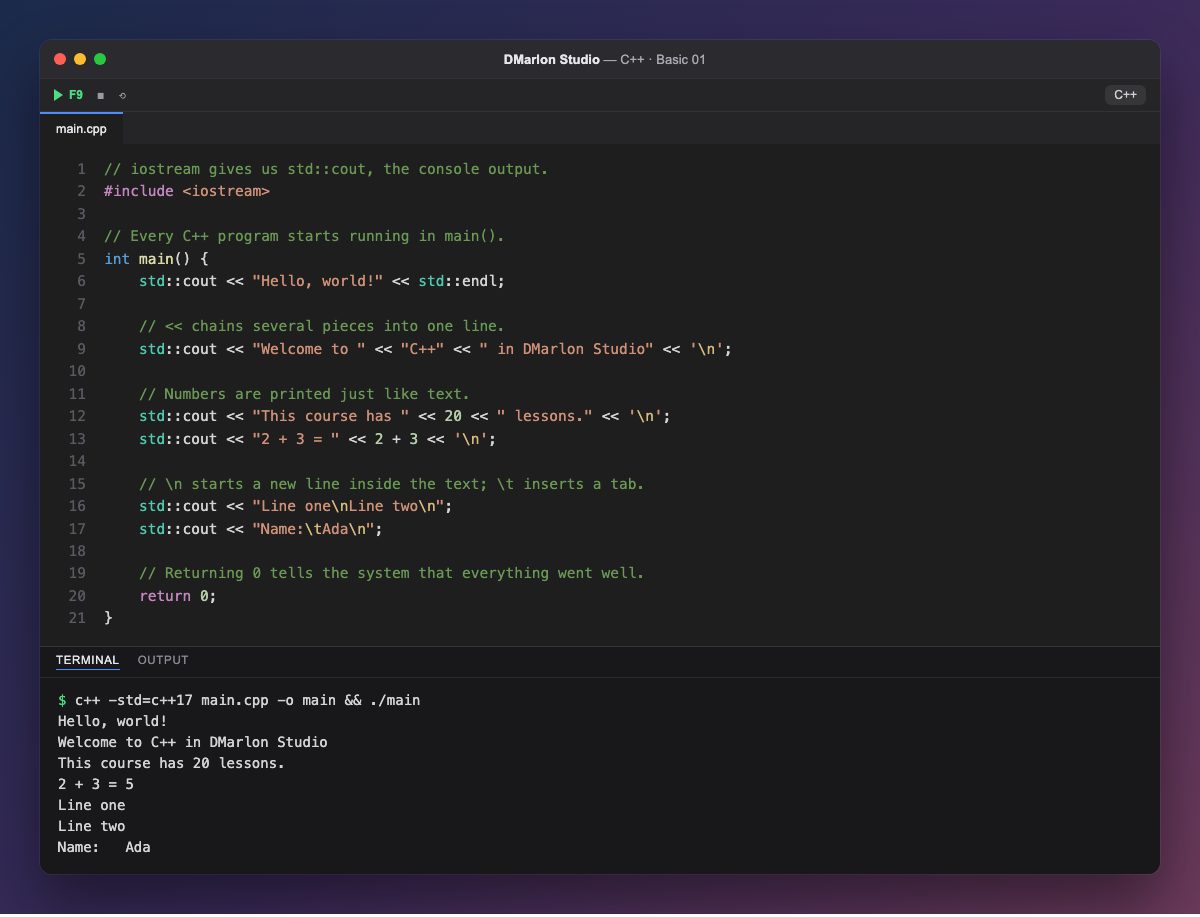
Every C++ program starts running in the `main()` function. What goes between its braces { } are the statements: they run from top to bottom and each one ends with a semicolon ;.
#include <iostream> brings in the input/output library. With it comes `std::cout`, the console output. The std:: prefix means it belongs to the C++ standard library.
The `<<` operator sends whatever is on its right to std::cout, and it can be chained: "Welcome to " << "C++" << ... builds a single line. Numbers are printed just like text, and 2 + 3 is worked out before it is shown.
To start a new line you can use std::endl or the '\n' character, which also works inside text, as in "Line one\nLine two\n". \t inserts a tab. Comments start with // and the compiler ignores them.
return 0; tells the system that everything went well. In DMarlon Studio, C++ powers native desktop apps with FLTK and the Console target: press F9 to compile and run this example.
Code · main.cpp
// iostream gives us std::cout, the console output.#include <iostream>// Every C++ program starts running in main().int main() { std::cout << "Hello, world!" << std::endl; // << chains several pieces into one line. std::cout << "Welcome to " << "C++" << " in DMarlon Studio" << '\n'; // Numbers are printed just like text. std::cout << "This course has " << 20 << " lessons." << '\n'; std::cout << "2 + 3 = " << 2 + 3 << '\n'; // \n starts a new line inside the text; \t inserts a tab. std::cout << "Line one\nLine two\n"; std::cout << "Name:\tAda\n"; // Returning 0 tells the system that everything went well. return 0;}Output · c++ -std=c++17 main.cpp -o main && ./main
Hello, world!
Welcome to C++ in DMarlon Studio
This course has 20 lessons.
2 + 3 = 5
Line one
Line two
Name:	Ada
Key points
- A program starts in
int main() { ... }. #include <iostream>gives youstd::cout.<<chains text and numbers into the output.'\n'orstd::endlstart a new line.- Every statement ends with
;.
Exercise
Add three lines that print your name, your city and the result of 365 * 24 (the hours in a year), with a \t between each label and its value.