Lesson 5 · 5 of 20
if / else and the ternary · JavaScript
Make decisions in JavaScript with if, else if and else, and choose between two values on a single line with the ternary operator.
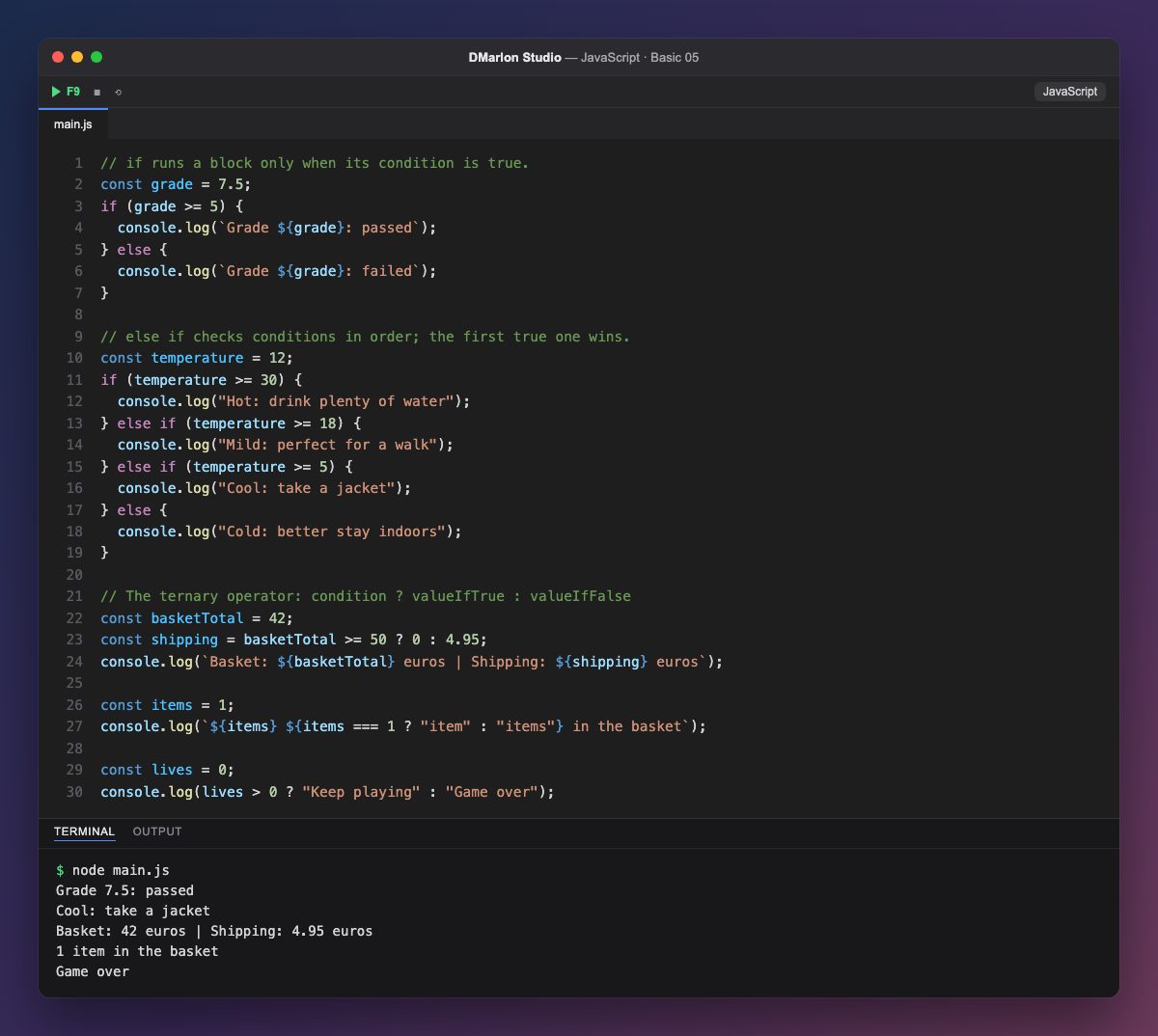
`if` runs a block, between braces { }, only when the condition in brackets is true. With grade >= 5 the program decides whether the grade is a pass; if not, the `else` block runs.
For more than two cases you chain `else if`. The conditions are checked from top to bottom and only the first true one runs: with temperature = 12, >= 30 fails, >= 18 fails and >= 5 matches. The final else catches everything else.
The ternary operator condition ? valueIfTrue : valueIfFalse picks one of two values in a single expression. shipping is 0 if the basket reaches 50 euros and 4.95 otherwise.
Because it is an expression, the ternary fits inside a template literal: ${items === 1 ? "item" : "items"} chooses singular or plural. === means is equal to; the next lesson looks at it in detail.
Use if when different things must happen and the ternary when only a value changes. For long conditions, if is easier to read.
Code · main.js
// if runs a block only when its condition is true.const grade = 7.5;if (grade >= 5) { console.log(`Grade ${grade}: passed`);} else { console.log(`Grade ${grade}: failed`);}// else if checks conditions in order; the first true one wins.const temperature = 12;if (temperature >= 30) { console.log("Hot: drink plenty of water");} else if (temperature >= 18) { console.log("Mild: perfect for a walk");} else if (temperature >= 5) { console.log("Cool: take a jacket");} else { console.log("Cold: better stay indoors");}// The ternary operator: condition ? valueIfTrue : valueIfFalseconst basketTotal = 42;const shipping = basketTotal >= 50 ? 0 : 4.95;console.log(`Basket: ${basketTotal} euros | Shipping: ${shipping} euros`);const items = 1;console.log(`${items} ${items === 1 ? "item" : "items"} in the basket`);const lives = 0;console.log(lives > 0 ? "Keep playing" : "Game over");Output · node main.js
Grade 7.5: passed
Cool: take a jacket
Basket: 42 euros | Shipping: 4.95 euros
1 item in the basket
Game over
Key points
ifruns its block only when the condition is true.else ifchains cases; the first true one wins.condition ? a : breturnsaorb.- The basic comparisons:
>,<,>=,<=,===.
Exercise
Add a speed variable and print "Too slow" below 60, "OK" up to 120 and "Too fast" above that, and use a ternary to print "free shipping" or "paid shipping" depending on basketTotal.