Lesson 19 · 19 of 20
Writing and reading files · C
Save and read data in a text file in C with fopen, fprintf, fscanf and fclose, and add lines at the end with "a" mode.
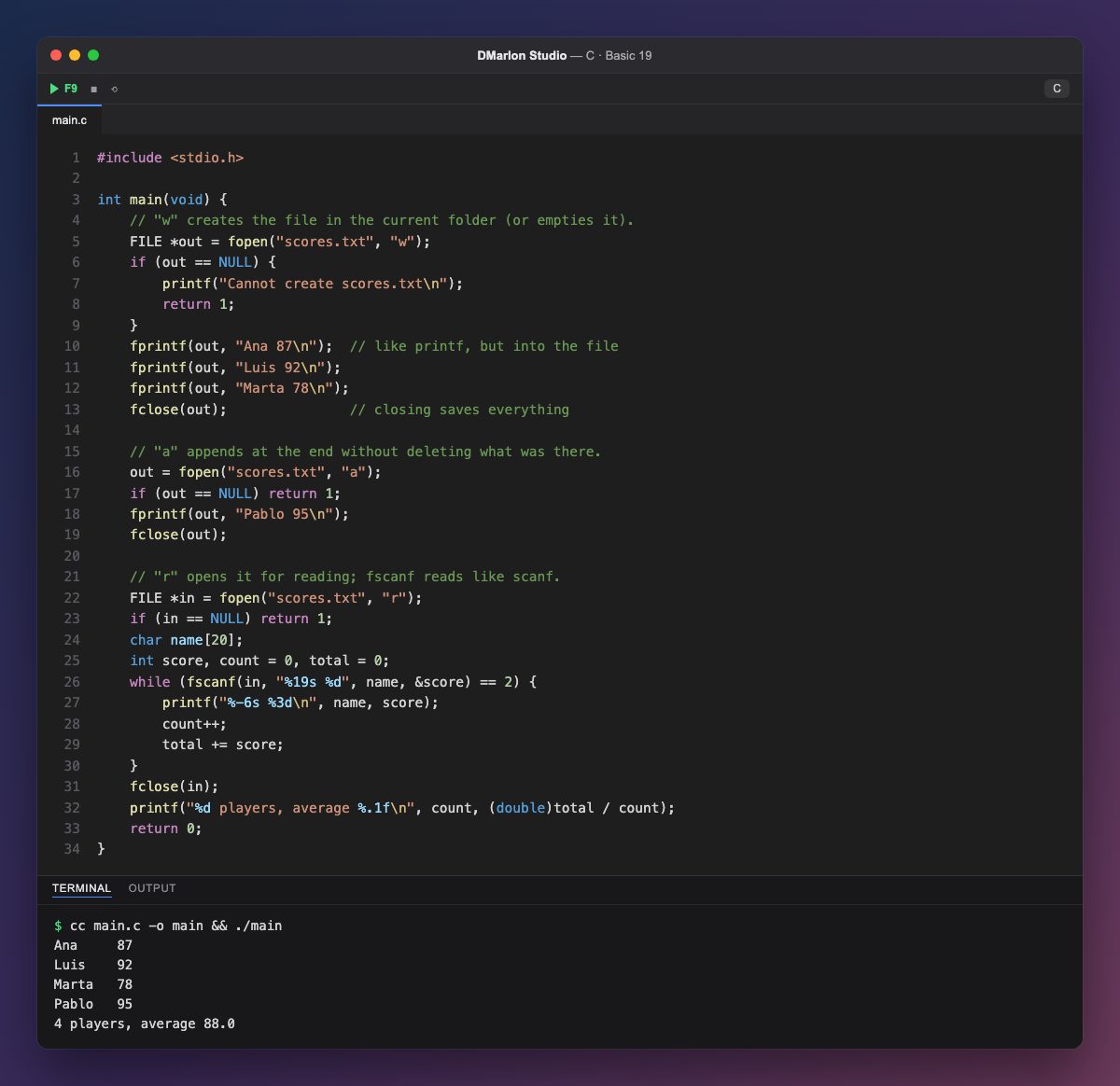
To work with a file, `fopen` opens it and returns a FILE * pointer. If it cannot open it, it returns NULL, so always check. A name with no folder, "scores.txt", creates the file in the current folder, the one the program is run from.
The second argument is the mode: "w" creates the file for writing (emptying it if it already existed), "a" appends at the end without deleting what was there and "r" opens it for reading. `fprintf` works like printf, but writes to the file you give it first.
`fclose` closes the file and makes sure everything written is saved to disk. Do not forget it: without it, the last lines could be lost.
To read, `fscanf` does the same as scanf, but from the file. It returns how many values it read; the while carries on as long as it reads both (the name and the score) and stops at the end of the file. Along the way it adds up the scores for the average. To read whole lines, spaces included, you would use fgets. In DMarlon Studio, after pressing F9, you will see scores.txt next to your program.
Code · main.c
#include <stdio.h>int main(void) { // "w" creates the file in the current folder (or empties it). FILE *out = fopen("scores.txt", "w"); if (out == NULL) { printf("Cannot create scores.txt\n"); return 1; } fprintf(out, "Ana 87\n"); // like printf, but into the file fprintf(out, "Luis 92\n"); fprintf(out, "Marta 78\n"); fclose(out); // closing saves everything // "a" appends at the end without deleting what was there. out = fopen("scores.txt", "a"); if (out == NULL) return 1; fprintf(out, "Pablo 95\n"); fclose(out); // "r" opens it for reading; fscanf reads like scanf. FILE *in = fopen("scores.txt", "r"); if (in == NULL) return 1; char name[20]; int score, count = 0, total = 0; while (fscanf(in, "%19s %d", name, &score) == 2) { printf("%-6s %3d\n", name, score); count++; total += score; } fclose(in); printf("%d players, average %.1f\n", count, (double)total / count); return 0;}Output · cc main.c -o main && ./main
Ana     87
Luis    92
Marta   78
Pablo   95
4 players, average 88.0
Key points
fopen(name, mode)returnsNULLon failure: check it."w"creates or empties,"a"appends,"r"reads.fprintfandfscanfareprintfandscanffor files.fscanfreturns how many values it read.fclosesaves and closes.
Exercise
After reading, open best.txt with "w" and save the best player's name and score in it; then read it back and print it on the screen.