Lesson 20 · 20 of 20
Project: a shop invoice · Pascal
A small Pascal project that brings together records, arrays, loops, procedures and Format to print the invoice of a computer shop.
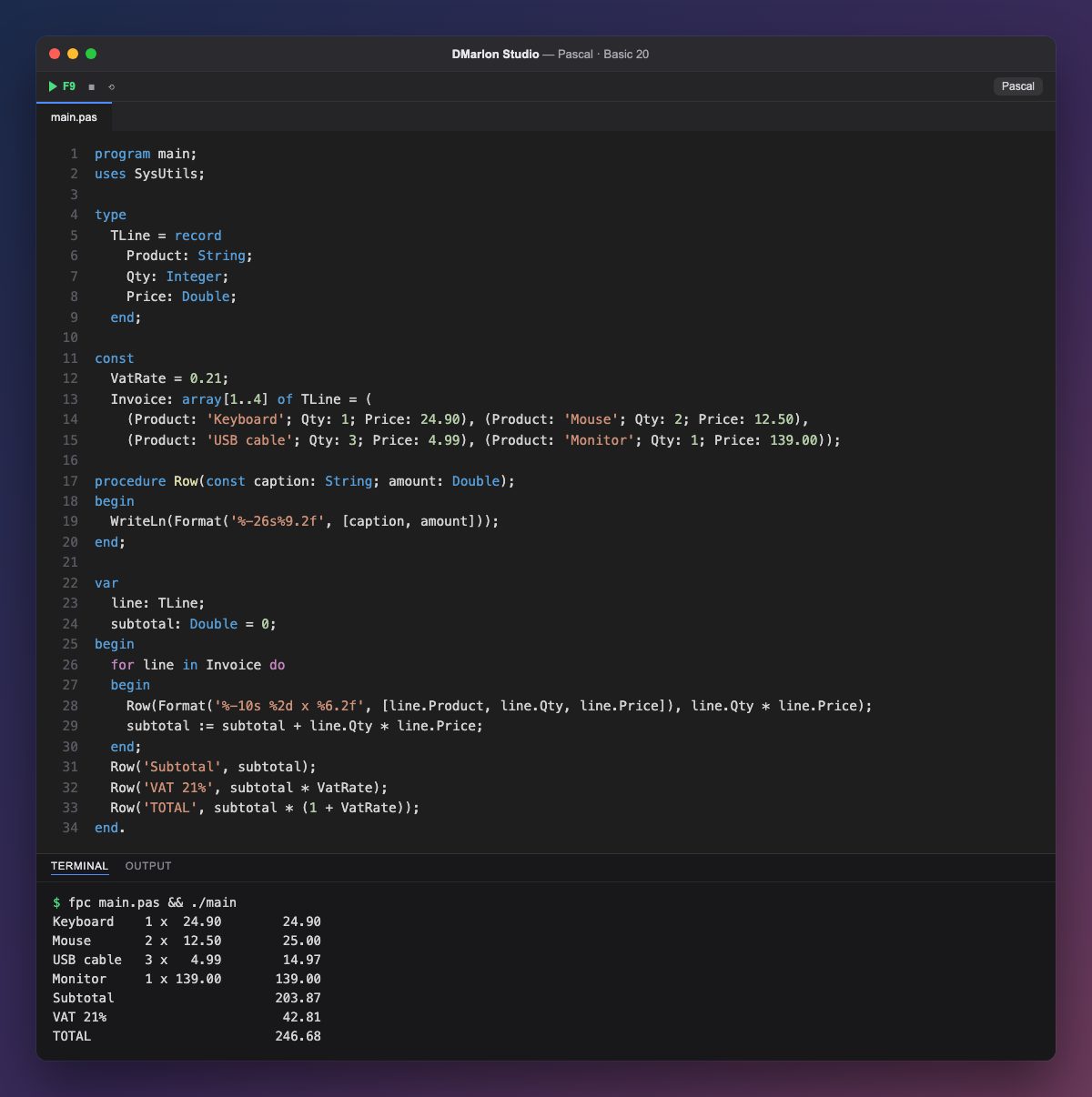
This program brings together what the course has covered. Each invoice line is a TLine record with the product, quantity and price, and the whole invoice is a constant array of four lines, written in the form (Product: 'Mouse'; Qty: 2; Price: 12.50).
VatRate is a constant holding the 21 % VAT rate: if it changes, there is only one place to edit. The Row procedure prints any row of the invoice, text on the left and an amount on the right, thanks to Format('%-26s%9.2f', ...); its caption parameter is const.
The `for line in Invoice` loop goes through the lines one by one. For each, another Format builds the text (product, quantity and price), which is passed to Row together with the amount, line.Qty * line.Price, which is also added to subtotal.
subtotal is a variable with an initial value, Double = 0. Once the loop is done, three calls to Row print the subtotal, the VAT and the total, all lined up in the same column.
This is the same logic that sits behind a Lazarus desktop app, such as DMarlon Studio's offline Odoo demo: there, the lines come from a database and appear in a grid, but the sums are the same. To try this program, open it with the Console target and press F9.
Code · main.pas
program main;uses SysUtils;type TLine = record Product: String; Qty: Integer; Price: Double; end;const VatRate = 0.21; Invoice: array[1..4] of TLine = ( (Product: 'Keyboard'; Qty: 1; Price: 24.90), (Product: 'Mouse'; Qty: 2; Price: 12.50), (Product: 'USB cable'; Qty: 3; Price: 4.99), (Product: 'Monitor'; Qty: 1; Price: 139.00));procedure Row(const caption: String; amount: Double);begin WriteLn(Format('%-26s%9.2f', [caption, amount]));end;var line: TLine; subtotal: Double = 0;begin for line in Invoice do begin Row(Format('%-10s %2d x %6.2f', [line.Product, line.Qty, line.Price]), line.Qty * line.Price); subtotal := subtotal + line.Qty * line.Price; end; Row('Subtotal', subtotal); Row('VAT 21%', subtotal * VatRate); Row('TOTAL', subtotal * (1 + VatRate));end.Output · fpc main.pas && ./main
Keyboard    1 x  24.90        24.90
Mouse       2 x  12.50        25.00
USB cable   3 x   4.99        14.97
Monitor     1 x 139.00       139.00
Subtotal                     203.87
VAT 21%                       42.81
TOTAL                        246.68
Key points
- An array of records holds table-shaped data.
- Constants avoid repeating numbers such as the VAT rate.
- A procedure built on
Formatkeeps every row aligned. for ... inwalks an array without handling indexes.
Exercise
Apply a 5 % discount when the subtotal goes over 150 euros: work it out with an if, print it with Row as a negative amount, and calculate the VAT and total on the reduced amount.