Lesson 4 · 4 of 20
Formatting output · Pascal
Shape numbers in Pascal: WriteLn with :width:decimals and the Format function from SysUtils to line up the columns of a café receipt.
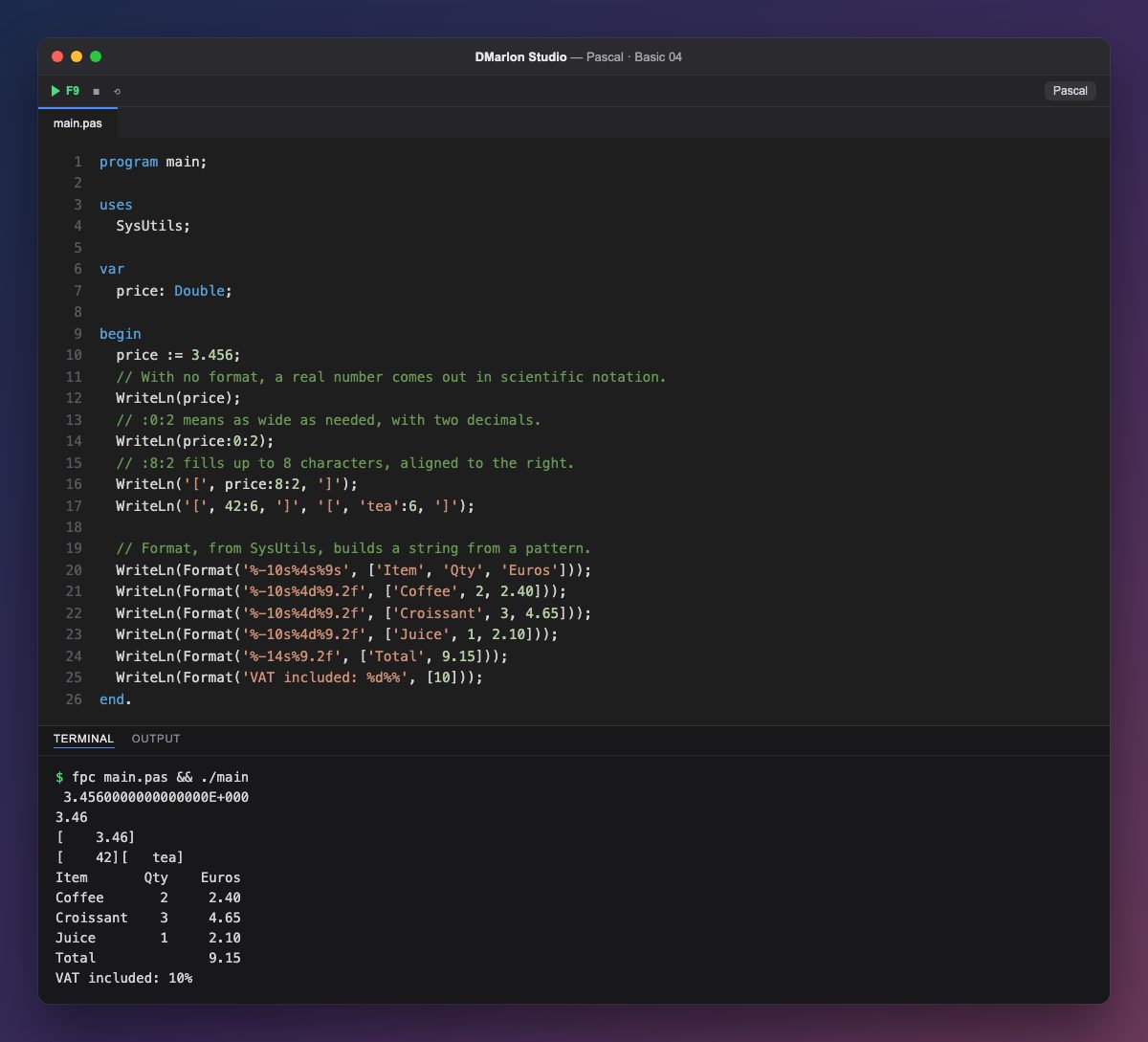
With no instructions, WriteLn prints a real number in scientific notation: 3.4560000000000000E+000. Adding `:0:2` after the value prints it with two decimals, rounded: 3.46. The first number is the minimum width and the second the number of decimals.
When the width is larger than the value, it is padded with spaces on the left: price:8:2 takes up 8 characters, and 42:6 and 'tea':6 take up 6, aligned to the right. It is the quickest way to make columns.
For more control there is `Format`, from the `SysUtils` unit (which is why the program starts with uses SysUtils;). It takes a pattern and, in square brackets, the values that fill it: %s is a string, %d an integer and %.2f a real number with two decimals.
The width goes between the % and the letter: %4d takes up 4 characters aligned right and %-10s takes up 10 aligned left, thanks to the minus sign. That is how the receipt columns line up. To print an actual %, write %%.
Code · main.pas
program main;uses SysUtils;var price: Double;begin price := 3.456; // With no format, a real number comes out in scientific notation. WriteLn(price); // :0:2 means as wide as needed, with two decimals. WriteLn(price:0:2); // :8:2 fills up to 8 characters, aligned to the right. WriteLn('[', price:8:2, ']'); WriteLn('[', 42:6, ']', '[', 'tea':6, ']'); // Format, from SysUtils, builds a string from a pattern. WriteLn(Format('%-10s%4s%9s', ['Item', 'Qty', 'Euros'])); WriteLn(Format('%-10s%4d%9.2f', ['Coffee', 2, 2.40])); WriteLn(Format('%-10s%4d%9.2f', ['Croissant', 3, 4.65])); WriteLn(Format('%-10s%4d%9.2f', ['Juice', 1, 2.10])); WriteLn(Format('%-14s%9.2f', ['Total', 9.15])); WriteLn(Format('VAT included: %d%%', [10]));end.Output · fpc main.pas && ./main
 3.4560000000000000E+000
3.46
[    3.46]
[    42][   tea]
Item       Qty    Euros
Coffee       2     2.40
Croissant    3     4.65
Juice        1     2.10
Total              9.15
VAT included: 10%
Key points
value:width:decimalsformats numbers inWriteLn.:0:2prints two decimals with no extra spaces.Format('pattern', [values])lives inSysUtils.%d,%sand%.2f; a-aligns to the left.
Exercise
Add a Unit column to the receipt with the price of each item (1.20, 1.55 and 2.10) and one more line with two pieces of toast at 1.80; fix the total.