Chapter 2
Getting started
The main window, the modules, the theme and the language.
The main window
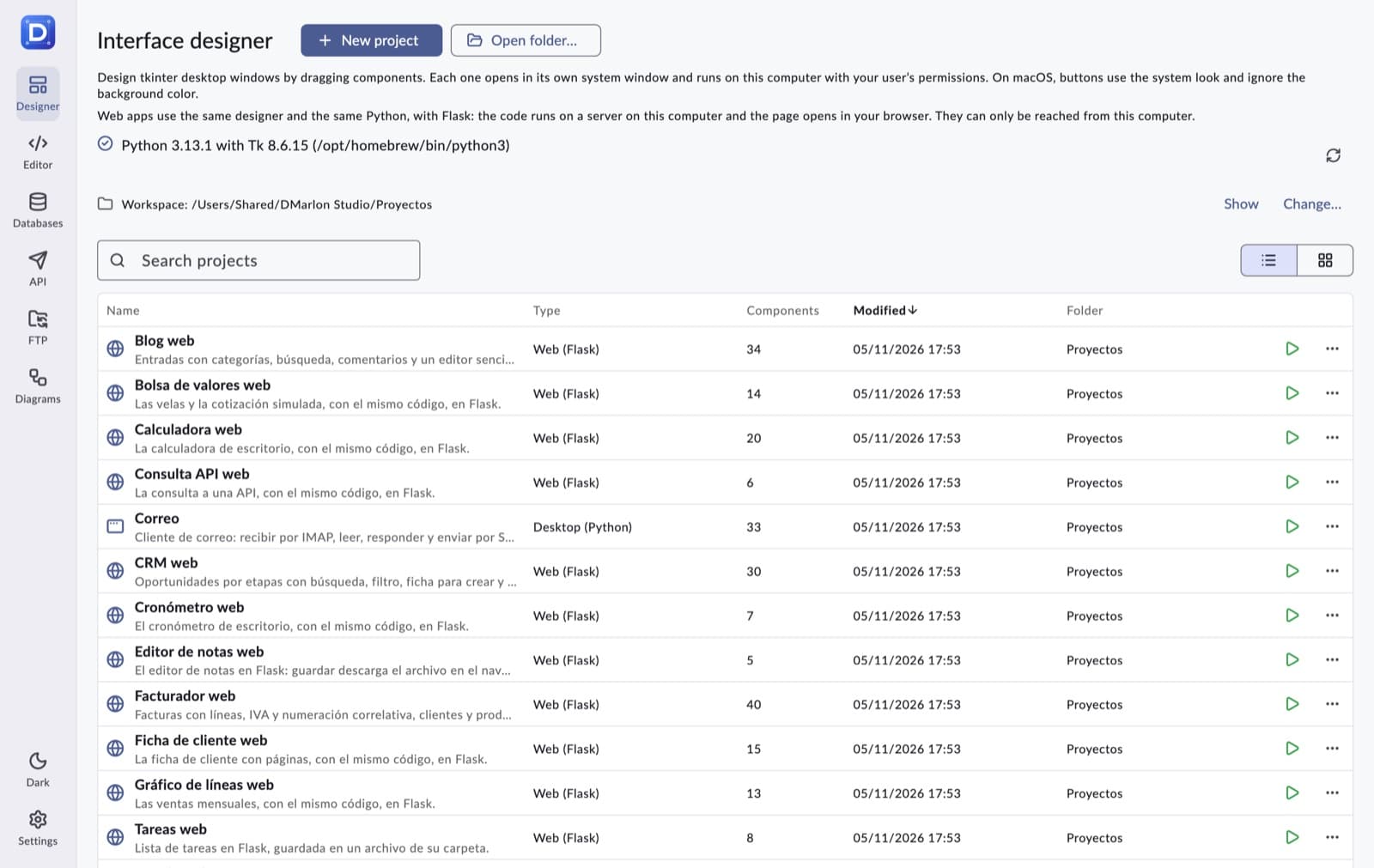
On the left is the module bar: Designer, Editor, Databases, API, FTP, Diagrams and, at the bottom, the Dark/Light button and Settings.
Each module is created the first time you open it and keeps its state: you can go from the Designer to the Editor and back without losing anything unsaved.
Theme and language
- The Dark/Light button on the bar switches the theme at once. In Settings → Appearance you can also choose System to follow your computer.
- Settings → Language switches between Español and English without closing anything. The first time, the system language is used.
Your first window in five steps
- In Designer, click New project, type a name and choose Desktop (Python).
- Drag a Label, a Text field and a Button from the palette onto the form.
- Select the button and change its Text in the inspector, for example to “Greet”.
- Double-click the button: the
Button1_clickmethod is created and the code opens. Typeself.Label1.config(text="Hello, " + self.Entry1.get()). - Press F9. The window opens in its own system window.