Chapter 10
Settings
Language, appearance and artificial intelligence.
Connect to Claude (MCP)
- In Settings → Connect to Claude (MCP) you turn on the MCP server: while DMarlon Studio is open, Claude (Claude Code or another MCP client) can work with your projects.
- Tools:
list_projects,get_project,list_components,create_project,add_component,update_component,remove_component,update_code,generate_python,run_project,get_outputandstop_project. - It only answers on this computer (
127.0.0.1) and with the Token. Add to Claude Code registers it in one click; you can also copy theclaude mcp addcommand shown. - If a project is open in the Designer with no pending changes, it reloads by itself with what Claude does; with unsaved changes, Claude is told to save them first.
Artificial intelligence
Choose the provider (Vendor): Anthropic (Claude), OpenAI, Gemini, xAI, DeepSeek, Mistral, Groq, Cohere, OpenRouter, Perplexity, Ollama or a compatible custom API. Type the API key and the Model; Fetch models lists those on your account. Claude (claude-opus-5-5) is the default provider.
The key is stored on this computer only. Each provider remembers its key and model when you switch between them.
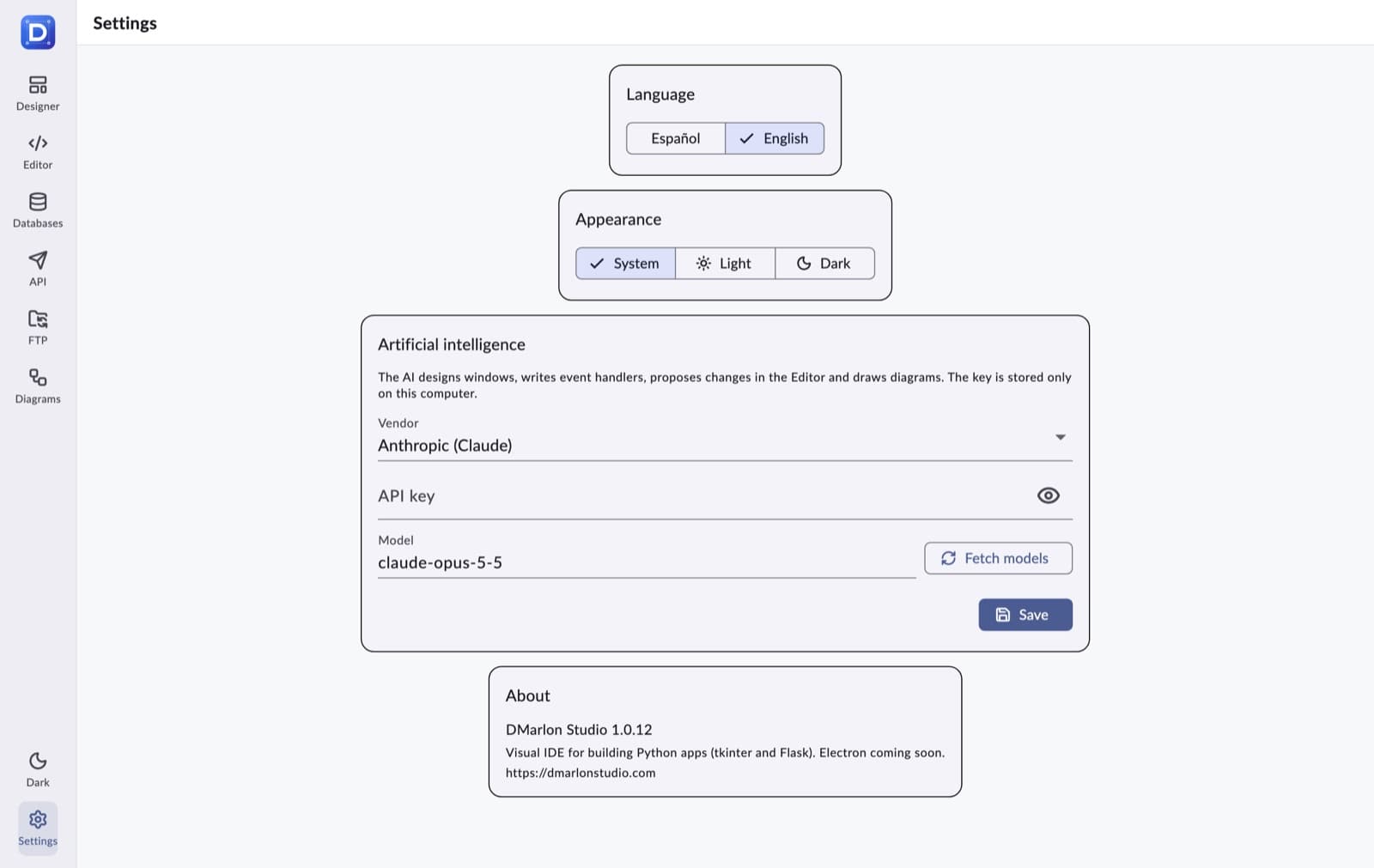
Language, appearance and version
- Language: Español or English, instantly.
- Appearance: System, Light or Dark.
- About shows the installed version.