Lesson 15 · 15 of 20
Counter, defaultdict, deque and namedtuple · Python
The data structures in Python's collections module: Counter, defaultdict, deque and namedtuple, applied to the sales of a coffee shop.
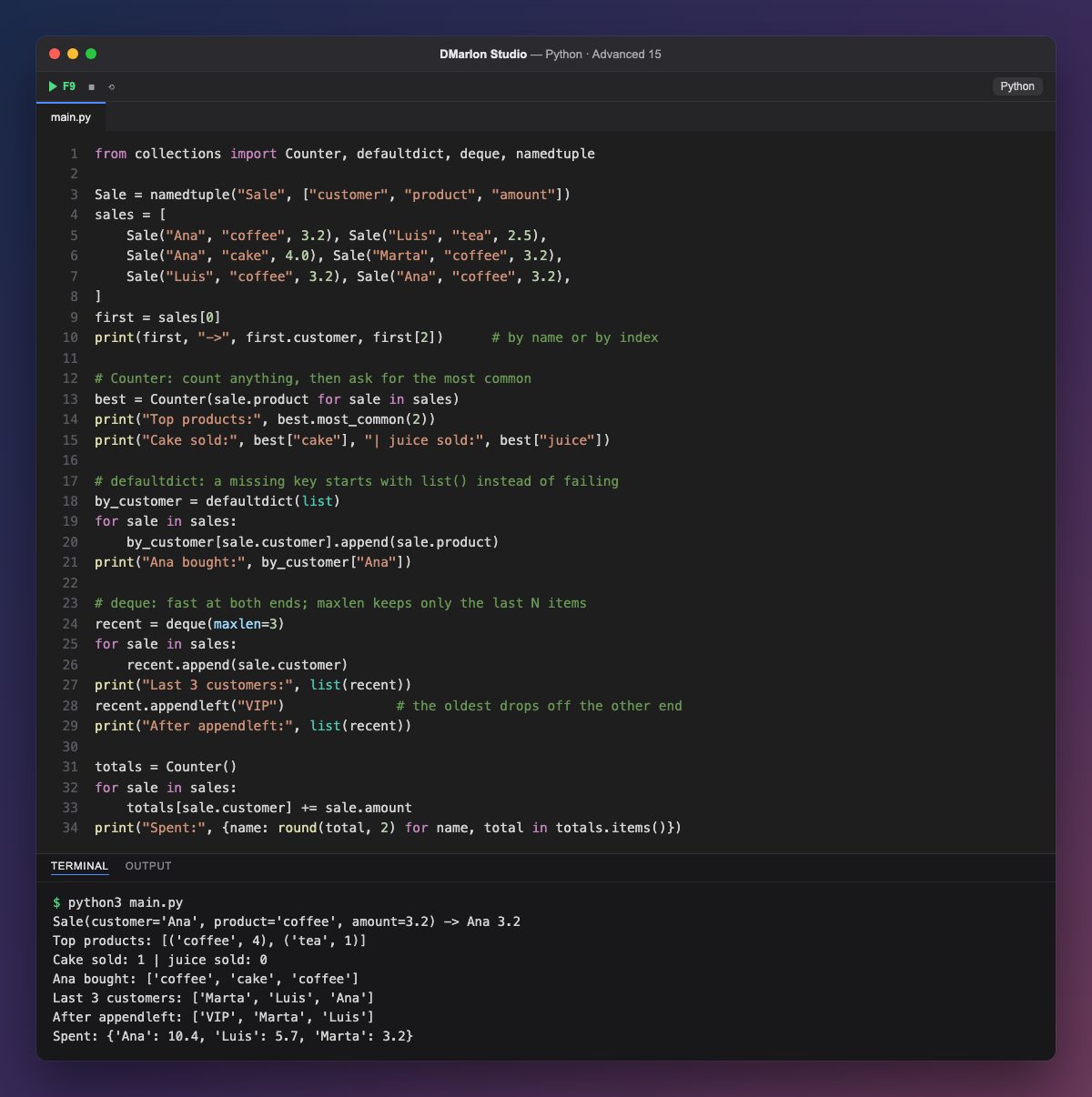
`namedtuple` creates a tuple with named fields. Sale("Ana", "coffee", 3.2) takes the same memory as a tuple, is immutable and reads better: first.customer instead of first[0], although the index still works (first[2]).
`Counter` counts whatever you feed it. Given a generator expression of products, most_common(2) returns the two best sellers with their counts. Asking for something that is not there, like best["juice"], gives 0 instead of a KeyError. At the end it also works as an accumulator: totals[sale.customer] += sale.amount works even if the customer is not there yet.
`defaultdict(list)` is a dictionary that, when a key is missing, creates it with the value of list(), an empty list. So by_customer[sale.customer].append(...) groups sales by customer without checking first whether the key exists.
`deque` (double-ended queue) adds and removes at both ends equally fast. With maxlen=3 it only keeps the last three items: each new append pushes out the oldest, and appendleft("VIP") comes in on the left and pushes one out on the right. It is perfect for histories and queues.
The final comprehension rounds the totals, because adding decimals such as 3.2 + 4.0 + 3.2 builds up tiny floating-point errors.
Code · main.py
from collections import Counter, defaultdict, deque, namedtupleSale = namedtuple("Sale", ["customer", "product", "amount"])sales = [ Sale("Ana", "coffee", 3.2), Sale("Luis", "tea", 2.5), Sale("Ana", "cake", 4.0), Sale("Marta", "coffee", 3.2), Sale("Luis", "coffee", 3.2), Sale("Ana", "coffee", 3.2),]first = sales[0]print(first, "->", first.customer, first[2]) # by name or by index# Counter: count anything, then ask for the most commonbest = Counter(sale.product for sale in sales)print("Top products:", best.most_common(2))print("Cake sold:", best["cake"], "| juice sold:", best["juice"])# defaultdict: a missing key starts with list() instead of failingby_customer = defaultdict(list)for sale in sales: by_customer[sale.customer].append(sale.product)print("Ana bought:", by_customer["Ana"])# deque: fast at both ends; maxlen keeps only the last N itemsrecent = deque(maxlen=3)for sale in sales: recent.append(sale.customer)print("Last 3 customers:", list(recent))recent.appendleft("VIP") # the oldest drops off the other endprint("After appendleft:", list(recent))totals = Counter()for sale in sales: totals[sale.customer] += sale.amountprint("Spent:", {name: round(total, 2) for name, total in totals.items()})Output · python3 main.py
Sale(customer='Ana', product='coffee', amount=3.2) -> Ana 3.2
Top products: [('coffee', 4), ('tea', 1)]
Cake sold: 1 | juice sold: 0
Ana bought: ['coffee', 'cake', 'coffee']
Last 3 customers: ['Marta', 'Luis', 'Ana']
After appendleft: ['VIP', 'Marta', 'Luis']
Spent: {'Ana': 10.4, 'Luis': 5.7, 'Marta': 3.2}
Key points
namedtuple: a tuple with named fields.Countercounts andmost_common(n)gives the top n.defaultdict(list)creates an empty list for a missing key.deque(maxlen=n)keeps only the last n items.- Missing keys in a
Counterare0.
Exercise
Use a Counter to find how many purchases each customer made and print the customer who bought most often.