Lesson 12 · 12 of 20
STL algorithms · C++
Process data in C++ with transform, accumulate, count_if, find_if and remove_if with erase: a shop's sales without writing loops.
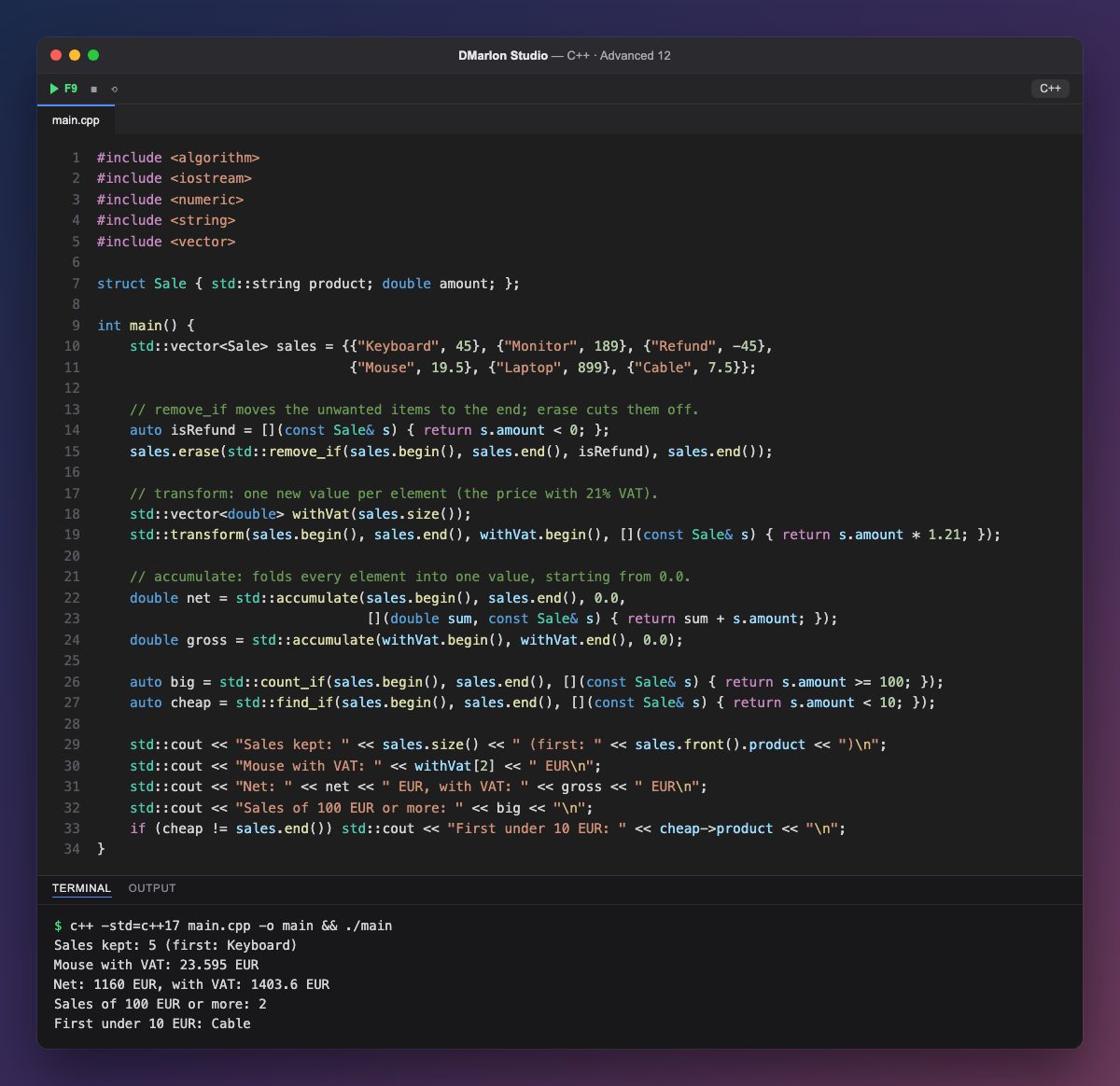
The <algorithm> and <numeric> headers provide dozens of algorithms that work on a range, from begin() to end(). Combined with lambdas, they replace many loops and make it clear at a glance what each line does.
`remove_if` erases nothing: it moves the elements that match the condition (here the refund, with a negative amount) to the end and returns where they start. `erase` then cuts from there to the end. Together they are the *erase-remove* idiom; forget the second step and the vector keeps its size.
`transform` computes a new value for each element and writes it to another range: withVat is created with exactly the right size and receives each price with 21% VAT. The mouse, third in the list once the refund is gone, goes from 19.50 to 23.595.
`accumulate` folds everything into one value, starting from the third argument. Write 0.0, not 0: with an integer, the sum would be done in integers and lose the decimals. With a lambda it adds up the amount of each sale; without one, it adds up the double values in withVat directly.
`count_if` counts the elements that match a condition (two sales of 100 euros or more) and `find_if` returns an iterator to the first match, or end() if there is none; that is why it is compared with sales.end() before cheap->product is used.
Code · main.cpp
#include <algorithm>#include <iostream>#include <numeric>#include <string>#include <vector>struct Sale { std::string product; double amount; };int main() { std::vector<Sale> sales = {{"Keyboard", 45}, {"Monitor", 189}, {"Refund", -45}, {"Mouse", 19.5}, {"Laptop", 899}, {"Cable", 7.5}}; // remove_if moves the unwanted items to the end; erase cuts them off. auto isRefund = [](const Sale& s) { return s.amount < 0; }; sales.erase(std::remove_if(sales.begin(), sales.end(), isRefund), sales.end()); // transform: one new value per element (the price with 21% VAT). std::vector<double> withVat(sales.size()); std::transform(sales.begin(), sales.end(), withVat.begin(), [](const Sale& s) { return s.amount * 1.21; }); // accumulate: folds every element into one value, starting from 0.0. double net = std::accumulate(sales.begin(), sales.end(), 0.0, [](double sum, const Sale& s) { return sum + s.amount; }); double gross = std::accumulate(withVat.begin(), withVat.end(), 0.0); auto big = std::count_if(sales.begin(), sales.end(), [](const Sale& s) { return s.amount >= 100; }); auto cheap = std::find_if(sales.begin(), sales.end(), [](const Sale& s) { return s.amount < 10; }); std::cout << "Sales kept: " << sales.size() << " (first: " << sales.front().product << ")\n"; std::cout << "Mouse with VAT: " << withVat[2] << " EUR\n"; std::cout << "Net: " << net << " EUR, with VAT: " << gross << " EUR\n"; std::cout << "Sales of 100 EUR or more: " << big << "\n"; if (cheap != sales.end()) std::cout << "First under 10 EUR: " << cheap->product << "\n";}Output · c++ -std=c++17 main.cpp -o main && ./main
Sales kept: 5 (first: Keyboard)
Mouse with VAT: 23.595 EUR
Net: 1160 EUR, with VAT: 1403.6 EUR
Sales of 100 EUR or more: 2
First under 10 EUR: Cable
Key points
- Algorithms take a range:
v.begin(), v.end(). remove_if+erasereally delete the elements that match a condition.transformcomputes a new value per element.accumulate(b, e, 0.0)adds up; the type of the initial value decides.find_ifreturnsend()when nothing matches: check before using it.
Exercise
Use std::max_element with a lambda to find the biggest sale and print its product and amount. Then use count_if to count the sales under 50 euros.