Lesson 4 · 4 of 20
Strings in depth · C
Split lines with strtok, build text with snprintf without overflowing the buffer and copy safely with strncpy in C, plus strchr and strstr.
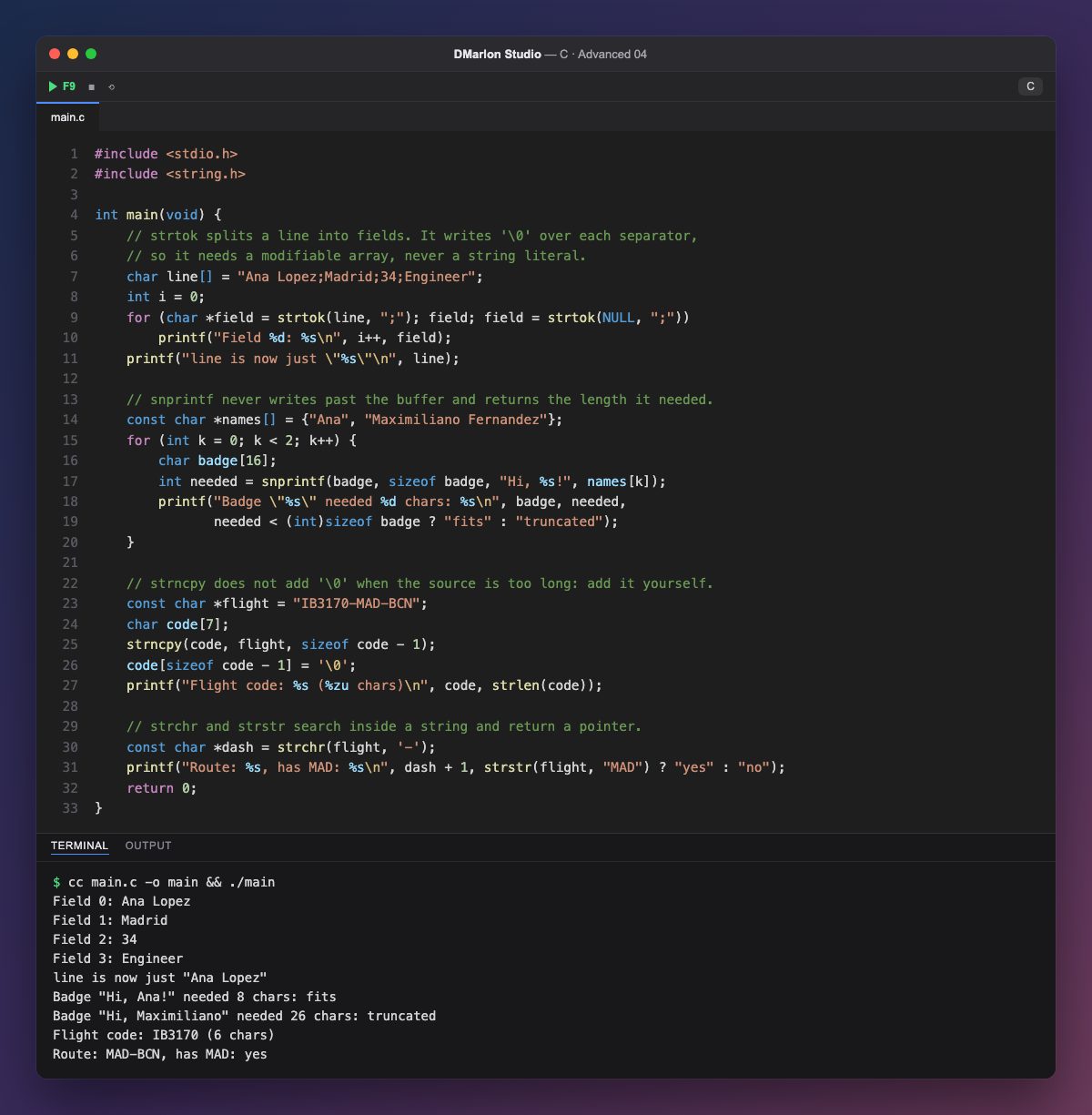
`strtok` splits a line into fields. The first call takes the string and the separators (";"); later calls take NULL to carry on where it stopped, until it returns NULL. It works by writing '\0' over each separator: that is why line is a modifiable array and, afterwards, line holds only "Ana Lopez". Never use it on a string literal.
`snprintf` formats like printf, but into a buffer and never past its size: it always ends the text with '\0'. It returns how many characters it would have needed; if that is greater than or equal to sizeof badge, the text was cut, as happens with "Maximiliano Fernandez".
`strncpy` copies at most n characters, but when the source is longer it does not add the final `'\0'`. The safe pattern is to copy sizeof code - 1 characters and put the terminator in the last position yourself. That leaves code as "IB3170".
`strchr` finds a character and `strstr` a substring; both return a pointer to what they found or NULL. dash + 1 is the string that starts right after the first dash: the route MAD-BCN.
strtok keeps its position in a hidden variable, so you cannot split two strings at the same time. That is what strtok_r (POSIX) and strtok_s (Windows) are for.
Code · main.c
#include <stdio.h>#include <string.h>int main(void) { // strtok splits a line into fields. It writes '\0' over each separator, // so it needs a modifiable array, never a string literal. char line[] = "Ana Lopez;Madrid;34;Engineer"; int i = 0; for (char *field = strtok(line, ";"); field; field = strtok(NULL, ";")) printf("Field %d: %s\n", i++, field); printf("line is now just \"%s\"\n", line); // snprintf never writes past the buffer and returns the length it needed. const char *names[] = {"Ana", "Maximiliano Fernandez"}; for (int k = 0; k < 2; k++) { char badge[16]; int needed = snprintf(badge, sizeof badge, "Hi, %s!", names[k]); printf("Badge \"%s\" needed %d chars: %s\n", badge, needed, needed < (int)sizeof badge ? "fits" : "truncated"); } // strncpy does not add '\0' when the source is too long: add it yourself. const char *flight = "IB3170-MAD-BCN"; char code[7]; strncpy(code, flight, sizeof code - 1); code[sizeof code - 1] = '\0'; printf("Flight code: %s (%zu chars)\n", code, strlen(code)); // strchr and strstr search inside a string and return a pointer. const char *dash = strchr(flight, '-'); printf("Route: %s, has MAD: %s\n", dash + 1, strstr(flight, "MAD") ? "yes" : "no"); return 0;}Output · cc main.c -o main && ./main
Field 0: Ana Lopez
Field 1: Madrid
Field 2: 34
Field 3: Engineer
line is now just "Ana Lopez"
Badge "Hi, Ana!" needed 8 chars: fits
Badge "Hi, Maximiliano" needed 26 chars: truncated
Flight code: IB3170 (6 chars)
Route: MAD-BCN, has MAD: yes
Key points
strtokmodifies the string: use an array, not a literal.snprintfnever overflows and returns the length it needed.- After
strncpy, add the final'\0'yourself. strchrandstrstrreturn a pointer orNULL.
Exercise
Split the line "Madrid,Sevilla,,Bilbao" with strtok and see what happens to the empty field; then build the list "Madrid / Sevilla / Bilbao" with snprintf in a 20-character buffer and report whether it was cut.